1
Section 4 • Repair Procedures
December 2004
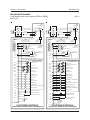
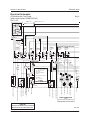
GROUND CONTROLS
REV D
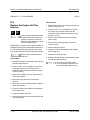
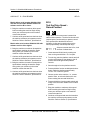
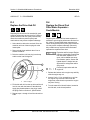
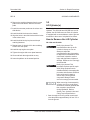
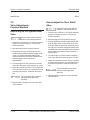
How to Adjust the
High Torque Drive Speed
b
a
c
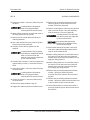
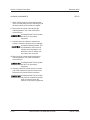
Tip-over hazard. Do not adjust the
lift and/or drive speed higher than
specified in this procedure. Setting
drive speed greater than
specifications could cause the
machine to tip over resulting in
death or serious injury.
On machines with software
revision B1 or lower, high torque
drive speeds in forward and
reverse are simultaneously
adjusted, resulting in both
directions of travel operating at the
same speed.
On machines with software
revision C0 or higher, the high
torque forward drive speed and
the high torque reverse drive
speed may be adjusted
independent of one another. See
5-2, How to Determine the
Revision Level.
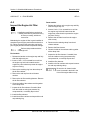
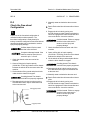
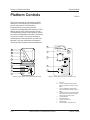
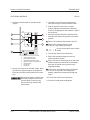
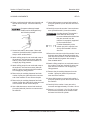
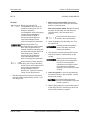
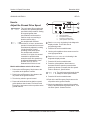
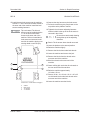
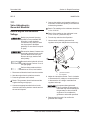
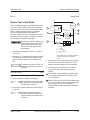
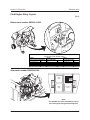
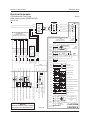
d
a
b
c
d
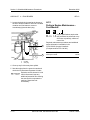
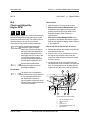
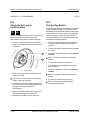
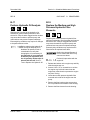
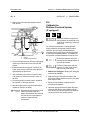
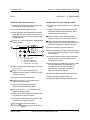
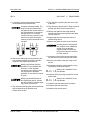
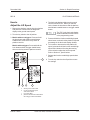
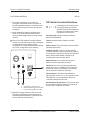
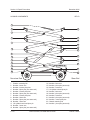
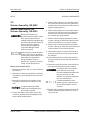
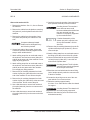
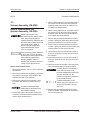
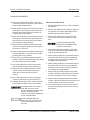
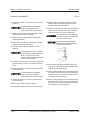
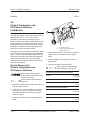
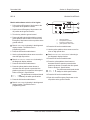
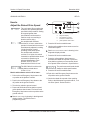
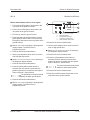
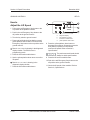
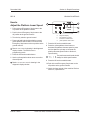
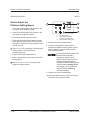
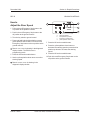
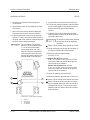
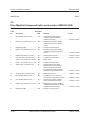
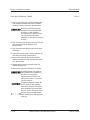
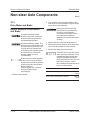
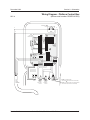
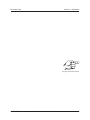
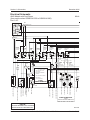
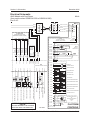
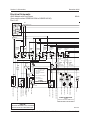
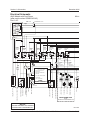
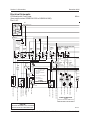
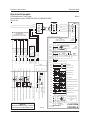
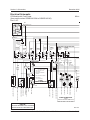
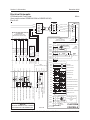
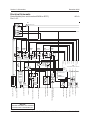
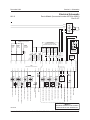
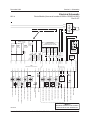
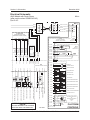
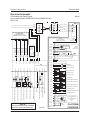
diagnostic display
blue platform up button
lift function enable button
yellow platform down button
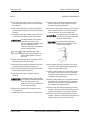
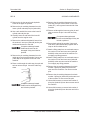
4 Press and hold both the blue platform up and
yellow platform down buttons. Pull out the red
Emergency Stop button to the on position at the
ground controls.
Result: TUNE SPEEDS is showing in the diagnostic
display window. The ECM is now in
programming mode.
5 Press the lift function enable button.
6 Use the yellow platform down arrow to scroll to
max high torque drive.
Result: MAX HIGH TORQUE DRIVE is showing in the
diagnostic display window.
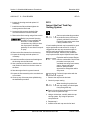
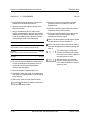
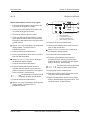
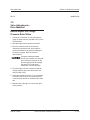
Models with software revision B1 or lower:
7 Press the lift function enable button.
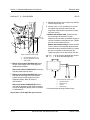
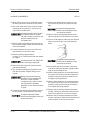
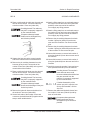
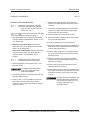
1 Pull out the red Emergency Stop button to the
on position at the platform controls.
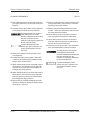
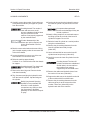
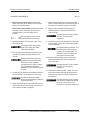
8 Press the yellow platform down button to
decrease the drive speed or press the blue
platform up button to increase the drive speed.
Refer to Section 2, Specifications.
2 Push in the red Emergency Stop button to the
off position at the ground controls.
The performance achieved should
always be within specifications.
3 Turn the key switch to ground control.
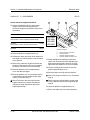
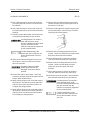
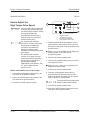
9 Press the lift function enable button.
10 Push in the red Emergency Stop button to the
off position at the ground controls.
4 - 60
Genie GS-3390, GS-4390 and GS-5390
Part No. 72863