1
04 Comfort and driving pleasure
Built-in phone*
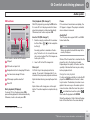
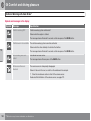
Incoming call
During a call
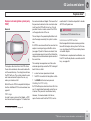
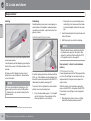
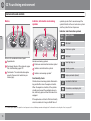
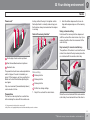
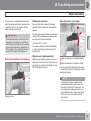
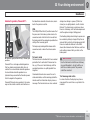
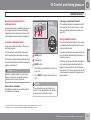
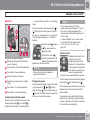
Press ENTER for handsfree calls or pick up the
privacy handset*. If the privacy handset* is off
the hook when the phone rings then calls must
be received using ENTER.
Press MENU or ENTER during a call to access
the In-call menu.
End calls by pressing EXIT or by hanging up
the privacy handset*. Refuse calls using EXIT.
Automatic answer
See page 207.
Call waiting
The function enables a new call to be answered
during an ongoing call. The new call is
answered as usual and the previous call is put
on hold.
Activate/deactivate under Call options
Call waiting.
Automatic diversions
Incoming calls can be diverted automatically
depending on the type of call and situation.
Activate/deactivate under Call options
Diversions.
To call
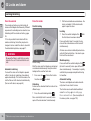
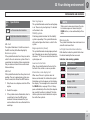
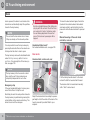
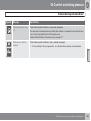
Activate/deactivate the microphone using
the Microphone on/Mute microphone
menu option.
Audio settings
1. Put the call on hold under Hold.
2. Dial the number of the third party or use the
Phone book menu option.
Switch between calls using the Swap menu
option.
Conference call
A conference call consists of several parties. It
can be initiated when a call is underway and
another is on hold. The Join menu option starts
the conference call.
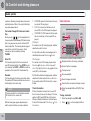
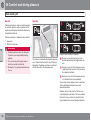
Phone call volume
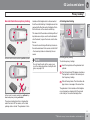
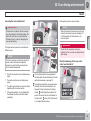
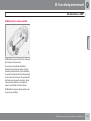
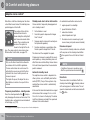
The phone uses the front door speakers. Call
volume can be controlled when the text
PHONE is shown at the top of the display.
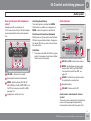
Use the steering wheel keypad or
VOLUME.
Audio system volume
See page 149.
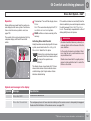
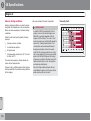
Signals and volume
All ongoing calls are disconnected if the conference call is terminated.
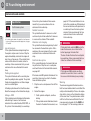
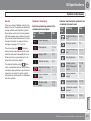
Change the ring signal under Phone settings
Sounds and volume Ring signals.
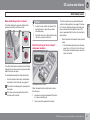
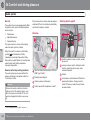
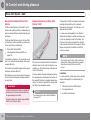
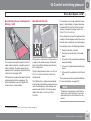
Switching between the privacy handset*
and handsfree
Activate/deactivate the message beep under
Phone settings Sounds and volume
Message beep.
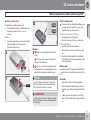
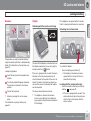
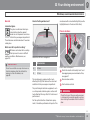
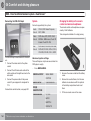
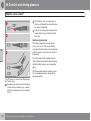
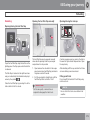
Switch from handsfree to the privacy handset* by picking up the privacy handset or
selecting in the menu.
Switch from the privacy handset* to handsfree
using the Handsfree menu option.
04
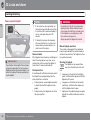
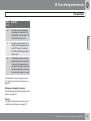
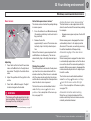
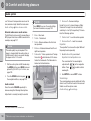
Control the ring volume under Phone settings
Sounds and volume Ring volume.
Adjust using
/
on the navigation button.
Mute mode
Mute mode involves deactivating the microphone, see page 210.
``
* Option/accessory, for more information, see Introduction.
211