1
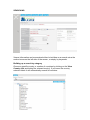
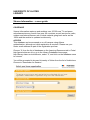
Click on Select at the bottom of the screen to add it to the Search summary
box on the right hand side.
Choose a Category to narrow down the market sector or industry required.
Click on the + links to access sub-sectors or topics.
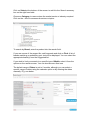
To search by Brand, enter the product into the search field.
If you are unsure of the proper title, add keywords and click on Find. A list of
brands matching or resembling your text will be displayed. You can select the
appropriate brand(s) from the suggested list.
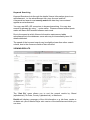
If you wish to limit your search to a specific type of Media, select it from the
options on the search screen. You can choose more than one
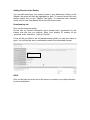
The default range of Dates is set to 6 months, although you can select a
specific range of dates using the calendar option or by entering the dates
manually. E.g. see below.