1
7 Web Page Reference
7.3
System Status
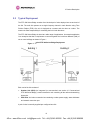
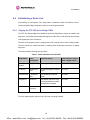
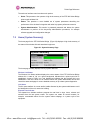
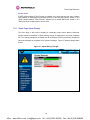
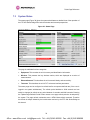
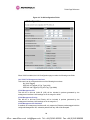
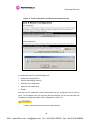
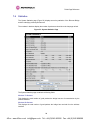
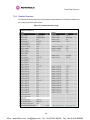
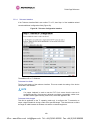
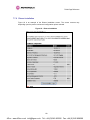
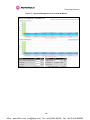
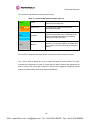
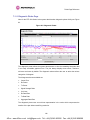
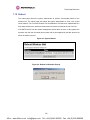
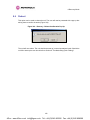
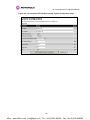
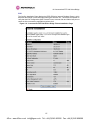
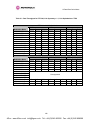
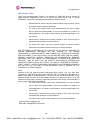
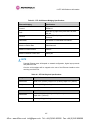
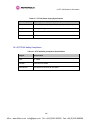
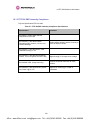
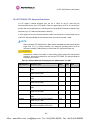
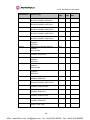
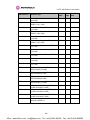
The status page (Figure 38) gives the system administrator a detailed view of the operation of
the PTP 300 Series Bridge from both the wireless and network perspectives.
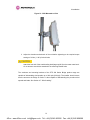
Figure 38 - Status Page
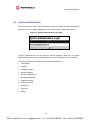
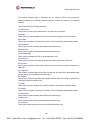
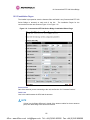
The page is subdivided into four categories:
•
Equipment: This contains the unit’s inventory and identification information.
•
Wireless: This presents the key wireless metrics, which are displayed as a series of
measurements.
•
Ethernet/Internet: This describes the unit’s network identity and connectivity.
•
Telecoms: This describes the unit’s E1/T1 telecoms interface parameters.
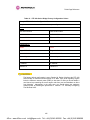
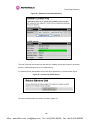
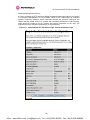
The status page can be configured to refresh itself at an operator defined rate (if the user is
logged in as system administrator). The refresh period defaults to 3600 seconds and can
easily be changed to refresh at any period between 2 seconds and 3600 seconds. Pressing
the ‘Update Page Refresh Period’ button causes a new page refresh period to be adopted by
the system. The page refresh mechanism uses a HTML Meta refresh command. Therefore
the refresh is always initiated by the local browser and not by the PTP 300 Series Bridge at
this interval.
78
4Gon www.4Gon.co.uk [email protected] Tel: +44 (0)1245 808195 Fax: +44 (0)1245 808299