1
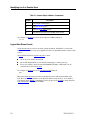
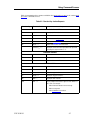
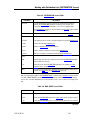
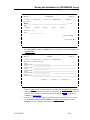
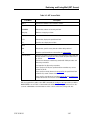
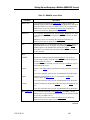
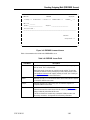
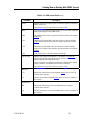
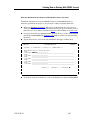
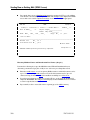
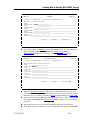
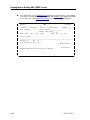
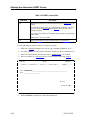
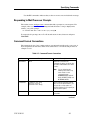
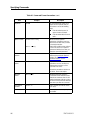
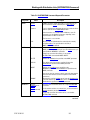
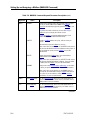
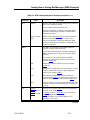
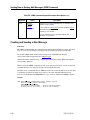
Specifying Commands Table 4-1. Command Format Conventions (cont.) Item Keywords Optional entries Example AUTHOR 3 Description In command formats, words in all uppercase are keywords that you must enter in one of the following ways: $ Enter the entire keyword, in upper or lowercase letters $ Enter the abbreviation shown in italics. Brackets indicate optional parameters. Include the equal sign but not the brackets when you enter command parameters. Vertical bars within brackets indicate a choice of values for an optional parameter. Omit the bars when you enter the command parameters. Positional notation Angle brackets around a parameter indicates that positional notation is allowed. For more information on positional notation, see 4.2. Repeated entries Repeated entries are enclosed in parentheses and use an ellipsis to indicate that more items can be specified in the series. Include the parentheses with the set of entries, but omit the ellipsis. 4-6 Required entries 3 Required parameters appear in command formats without brackets. Vertical bars between values for the required parameter indicate a choice of values for that parameter. Omit the bars when you enter the command. User-defined variables Terms in lowercase indicate values you supply. User entries In examples, entries that you key in are bolded. 3787 3239-101