1
Working with the Perl Editor
The search first determines what is selected. If no text is selected, it attempts to find a subroutine
name at the current cursor position. The search will fail if no subroutine name is selected.
Due to the dynamic nature of Perl programs, the search is not entirely reliable. For subroutine names
qualified by a package prefix, an attempt will be made to locate the appropriately named module file
using the @INC path. For unqualified subroutine names, the search will first occur in the current editor and then extend to modules referenced by 'use' statements.
If the subroutine declaration is found in a file inside workspace, it will be highlighted in an existing
or new editor.
Perldoc
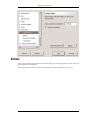
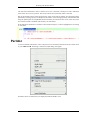
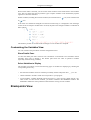
To retrieve Perldoc information, select a keyword or text and choose Perldoc from the context menu
or press Shift-Ctrl-H. If nothing is selected, an input dialog will appear.
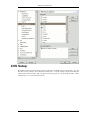
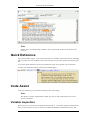
If Perldoc entries are found, they are displayed inside the Perldoc view.
19