1
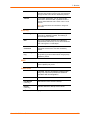
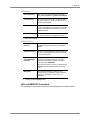
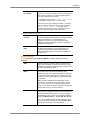
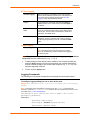
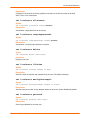
11: User Authentication
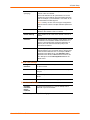
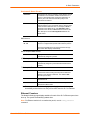
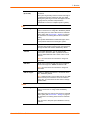
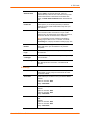
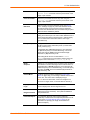
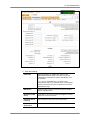
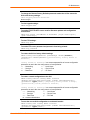
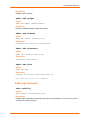
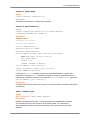
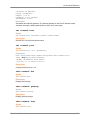
Networking
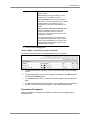
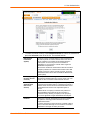
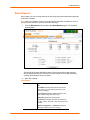
Right to enter Network settings.
Services
Right to enable and disable system logging, SSH and Telnet
logins, SNMP, and SMTP.
SecureLinx
Network
Right to view and manage SecureLinx units (e.g., SLPs,
Spiders, SLCs) on the local subnet.
Date/Time
Right to set the date and time.
Local Users
Right to add or delete local users on the system.
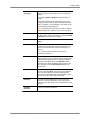
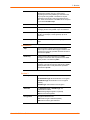
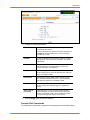
Remote
Authentication
Right to assign a remote user to a user group and assign a
set of rights to the user.
SSH Keys
Right to set SSH keys for authenticating users.
User Menus
Right to create a custom user menu for the CLI for Kerberos
users.
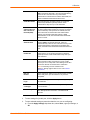
Reboot &
Shutdown
Right to use the CLI or shut down the SLC and then reboot it.
Firmware &
Configuration
Right to upgrade the firmware on the unit and save or restore
a configuration (all settings). Selecting this option
automatically selects Reboot & Shutdown.
Diagnostics &
Reports
Right to obtain diagnostic information and reports about the
unit.
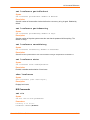
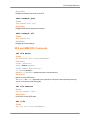
SLC Network
Right to view and manage SLCs on the local subnet.
Web Access
Right to access Web-Manager.
Device Ports
Right to enter device port settings.
PC Card
Right to enter modem settings for PC cards.
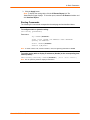
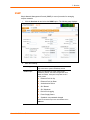
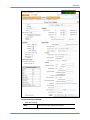
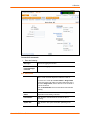
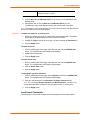
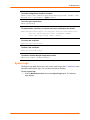
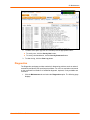
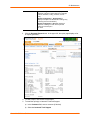
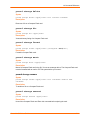
5. Click the Apply button.
Note: You must reboot the unit before your changes will take effect.
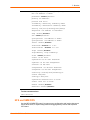
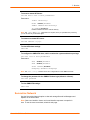
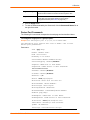
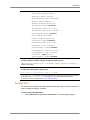
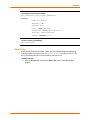
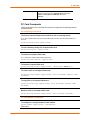
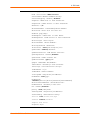
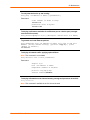
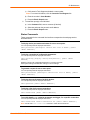
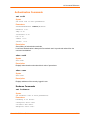
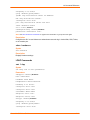
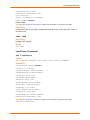
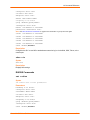
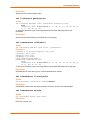
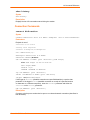
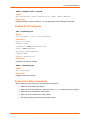
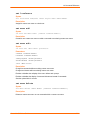
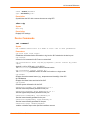
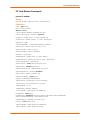
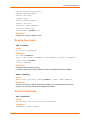
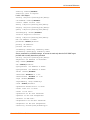
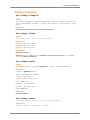
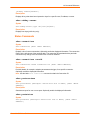
Kerberos Commands
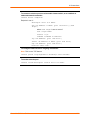
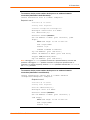
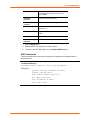
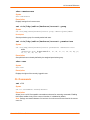
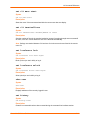
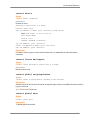
These commands for the command line interface correspond to the web page entries
described above.
SecureLinx SLC User Guide
151