1
4-6
MC65 User Guide
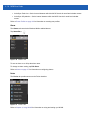
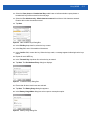
24. Tap Save.
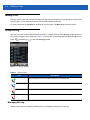
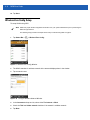
Wireless Zero Config Setup
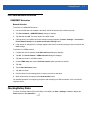
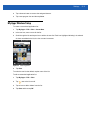
To setup WLAN using WZC:
NOTE Obtain the proper WLAN configuration information from your system administrator prior to performing the
WZC setup procedures.
The following setup procedure example shows setup of a WLAN using WEP encryption.
1.
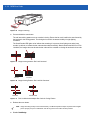
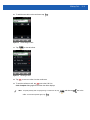
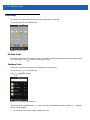
Tap Status Bar >
> Wireless Zero Config.
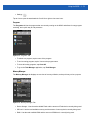
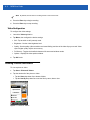
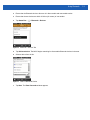
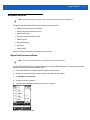
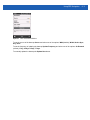
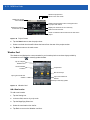
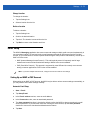
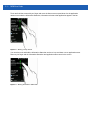
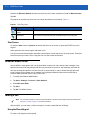
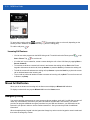
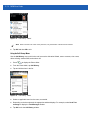
Figure 4-9 Wireless Zero Config Window
2.
The MC65 searches for wireless networks in the area and displays them in the window.
3.
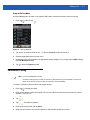
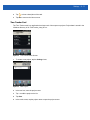
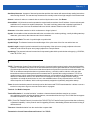
Tap a network name.
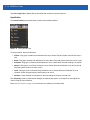
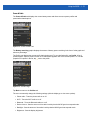
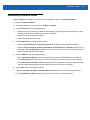
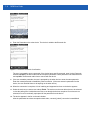
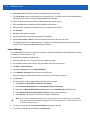
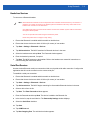
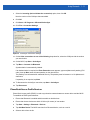
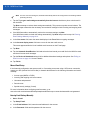
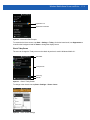
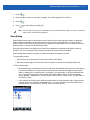
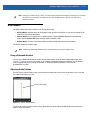
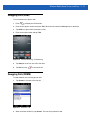
Figure 4-10 Configure Wireless Network Window
4.
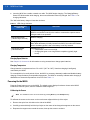
In the Connects to drop-own list, select either The Internet or Work.
5.
Check the This is a hidden network checkbox if the network is a hidden network.
6.
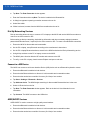
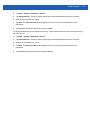
Tap Next.


























![MC65 Guide de L`utilisateur [French] (P/N 72E](http://vs1.manualzilla.com/store/data/006352092_1-a29638d337d77ad1f8892916b553bc3f-150x150.png)
![MC67 User Guide [English] (P/N 72E-161697](http://vs1.manualzilla.com/store/data/005941432_1-bd249a567cf14662f5cee6704d0a9b43-150x150.png)

![MC55 User Guide [English] (P/N 72E-108859-01 Rev. A)](http://vs1.manualzilla.com/store/data/006870229_1-8cd1722eddedcf0f959f7037555512d5-150x150.png)
![MC55 User Guide [English] (P/N 72E-108859-03 - JUTA](http://vs1.manualzilla.com/store/data/006882354_1-8ed62205e5cc251336dd82c461c5426f-150x150.png)