1
Changing an address list entry
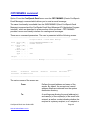
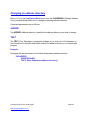
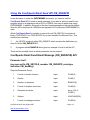
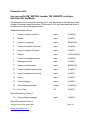
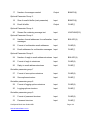
The CHGADRLE (Change Address List Entry) command allows you to change an
address list entry.
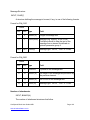
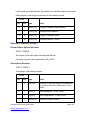
Command parameters are as follows:
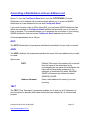
ADRL
The ADRL (Address list) parameter identifies the address list in which the entry you wish
to change can be found.
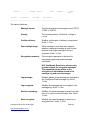
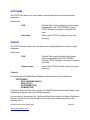
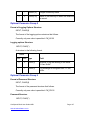
EMAIL
The EMAIL (Email address) parameter identifies the address list entry you wish to
change.
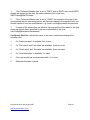
NAME
The NAME (Name) parameter enables you to enter the name of the person or
organization the email address relates to.
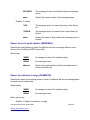
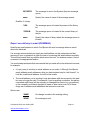
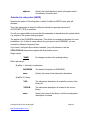
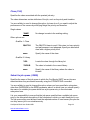
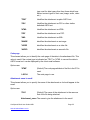
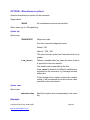
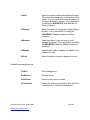
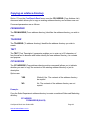
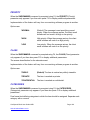
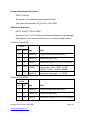
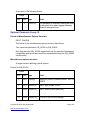
TYPE
The TYPE (Type) parameter defines the manner in which messages are sent to the email
address being added to the list when the address list is used.
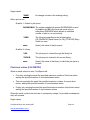
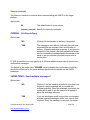
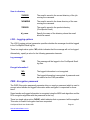
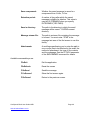
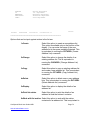
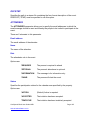
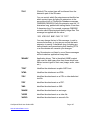
Options are:
*PRI
(Default) Primary recipient.
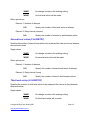
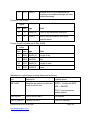
*CC
Carbon copy recipient. An *CC recipient receives a
copy of the message, and is identified to the primary
recipient, but is not the primary recipient.
*BCC
Blind carbon copy recipient. An *BCC recipient
receives a copy of the message, but is not identified to
the primary recipient or *CC recipients.
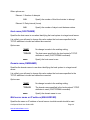
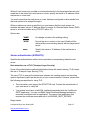
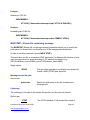
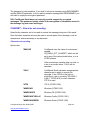
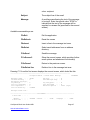
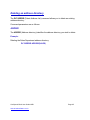
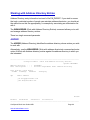
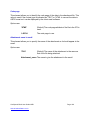
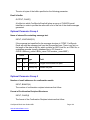
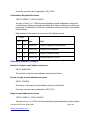
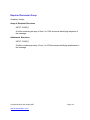
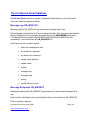
Example:
Changing an entry in the Sales Department address list.
CHGADRLE
CoolSpools Email User Guide V6R1
www.ariadnesoftware.co.uk
Page: 86