1
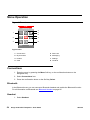
Menu Operation
Different ring signals can be set to distinguish this contact from another contact.
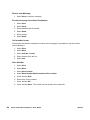
Add from Call List
1. Select From call list.
2. Select number.
3. Press Soft key Add.
4. Select number type.
5. Press Soft key Select.
6. Press Soft key Add, and enter name for the contact.
7. Press Soft key OK.
8. Press Soft key Save.
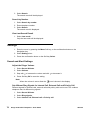
Edit Contact
1. Select Edit contact.
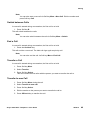
2. Select contact, and press Soft key Edit twice.
3. Enter new name/number, and press OK.
4. Press Soft key Save.
Delete Contact
1. Select Delete contact.
2. Select contact, and press Delete.
3. Press Soft key Yes to confirm.
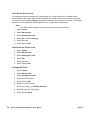
Central Phonebook
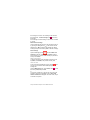
In the Central phonebook it is possible to search by name or number. The last search result can
be displayed.
When the search result is ready it is possible to view contact information, add the number to
new contact, and to send a message by selecting the Soft key More. You can also call the
number by selecting the Soft key Call.
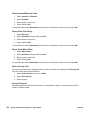
1. Select Central phonebook.
Search by Name
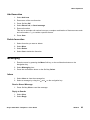
1. Select Search by name.
2. Enter First name and/or Last name.
Avaya 3725 DECT Telephone - User Guide
05/2010
69