1
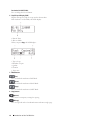
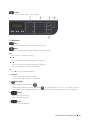
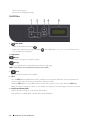
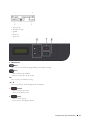
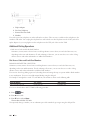
•For Dell E515dn/Dell E515dw, the machine has three mode buttons on the control panel: FAX, SCAN and
COPY.
•For Dell E514dw, the machine has Scan and Copy. Default is Copy mode and mode timer setting is one minute.
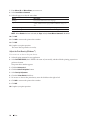
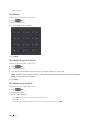
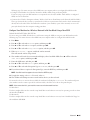
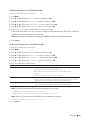
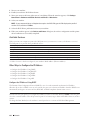
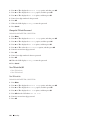
1. Press Menu.
2. Press p or q to display the General Setup option, and then press OK.
3. Press p or q to display the Mode Timer option, and then press OK.
4. Press p or q to display the 5 Mins, 2 Mins, 1 Min, 30 Secs, 0 Sec, or Off option, and then press OK.
5. Press Cancel.
Adjust the Machine Volume
•Adjust the Ring Volume
•Adjust the Beeper Volume
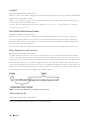
When the beeper is on, the machine will beep when you press a button, make a mistake, or after you send or
receive a fax. You can choose from a range of volume levels.
•Adjust the Speaker Volume
Adjust the Ring Volume
Related Models:Dell E515dn / Dell E515dw
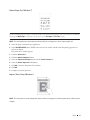
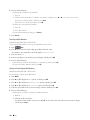
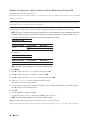
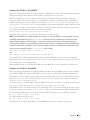
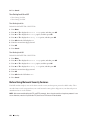
1. Press Menu.
2. Press p or q to display the General Setup option, and then press OK.
3. Press p or q to display the Volume option, and then press OK.
4. Press p or q to display the Ring option, and then press OK.
5. Press p or q to display the High, Med, Low, or Off option, and then press OK.
6. Press Cancel.
Adjust the Beeper Volume
When the beeper is on, the machine will beep when you press a button, make a mistake, or after you send or receive
a fax. You can choose from a range of volume levels.
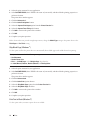
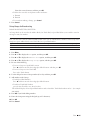
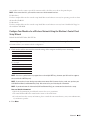
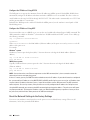
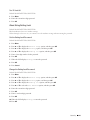
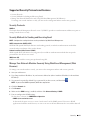
1. Press Menu.
2. Press p or q to display the General Setup option, and then press OK.
3. Press p or q to display the Volume option, and then press OK.
4. Press p or q to display the Beeper option, and then press OK.
5. Press p or q to display the High, Med, Low, or Off option, and then press OK.
6. Press Cancel.
Machine Settings
331