1
3
TOP TIPS
Navigation around the form
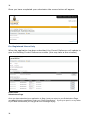
You are strongly advised not to use the forward/back internet browser buttons whilst navigating
through the form pages. It may cause your session to be terminated.
Please use the Previous and Next buttons on the forms page.
Timing Out:
If the form is left unattended for more than 30 minutes, you will be timed out. If you Save and Exit,
your changes will be stored if you are a registered user. If you are not a registered user, your form
will not be saved if your session expires.
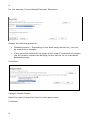
Multiple Fee Categories.
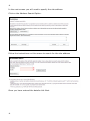
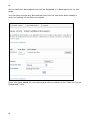
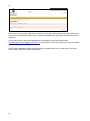
Multiple Fee types are not written into the design of this software. Please contact our charges
team, who will give you an Individually Determined Charge. On completing the form you will be
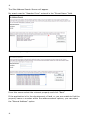
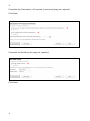
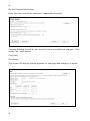
need to answer “Yes” to the question with regards to an Individual Assessment. The following
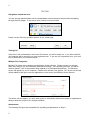
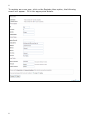
screen will appear for you to complete. Please enter the Net Fees agreed. VAT at the current rate
will be added to this figure once the application is received by the Building Control Service.
The above will also apply if you have been given an individually determined charge on applications
falling outside the scope of our charges schedule.
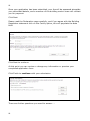
Attachments
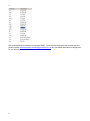
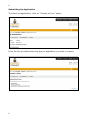
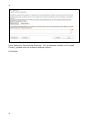
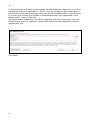
The following file types are acceptable for uploading as attachments in Step 2.
3