1
II. Registration and Installation Procedure:
1.
2.
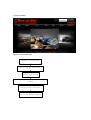
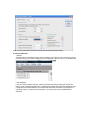
Upon purchasing the CRecorder, please log onto the CRecorder website: www.crecorder.com.
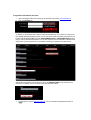
Click on the Register link.
To register, you will need the serial number provided with the CRecorder. This is found on a sticker in the
foam backing within the packaging contents. You will also need to create a username and password. PLS.
DO NOT USE SPACES/BLANKS. Click the CHECK NUMBER VALID or CHECK NAME VALID buttons to
help you input a valid username/password. You are also required to fill in the information in the blue fields
and provide a valid email address as it is connected to retracting your password and other services.
After the above information has been filled out, click on the CREATE LOGIN link. This will submit your
information to LAUNCH. You are now ready to download the client software.
3.
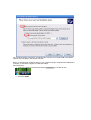
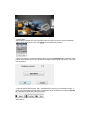
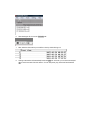
The next step is to log onto www.crecorder.com. Fill in your username and password and click on
LOGIN.