1
7
Faxing
Canceling a Scheduled Fax
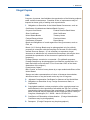
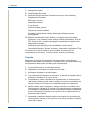
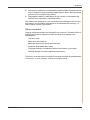
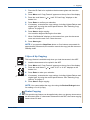
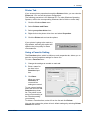
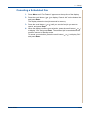
1. Press Menu until “Fax Feature” appears on the top line of the display.
2. Press the scroll button ( or ) to display “Cancel Job” on the bottom line
and press Enter.
The display shows the last job reserved in memory.
3. Press the scroll button ( or ) until you see the fax job you want to
cancel, and press Enter.
4. When the display confirms your selection, press the scroll button ( or )
to display "Yes" and press Enter. The selected job is canceled and the
machine returns to Standby mode.
To cancel your selection, press the scroll button ( or ) to display "No"
and press Enter.
Xerox PE220
7-23