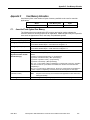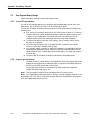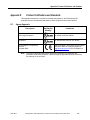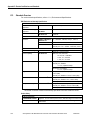
1
Chapter 2. Installation
2.3.3
Mounting the RXi Controller on a Panel Using a Backplate
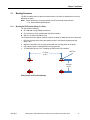
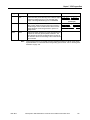
When mounting the Controller/Backplate assembly on the panel, you can insert the screws
from the front of the Backplate or from the back of the panel.
You will need the following:
■
■
■
■
One ICRXIACCBPL Backplate
Four machine screws with maximum thread size ¼-20 (standard) or M6 (metric)
If you want to insert the screws from the front of the panel, you will need four nuts. (If the
screws are inserted from the back, they are threaded into the Backplate holes.)
Driver for the selected machine screws
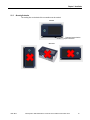
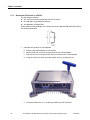
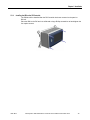
1. Install the controller on the Backplate. (See step 1 on page 21.)
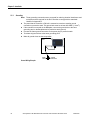
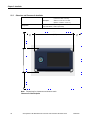
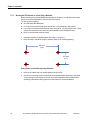
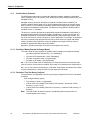
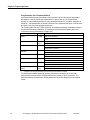
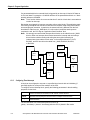
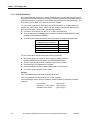
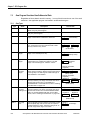
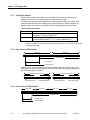
2. Drill four holes in the panel using the spacing shown in the following drawing.
208.3mm
(8.2")
119.4mm
(4.7")
Drilling Pattern for Panel Mounting Using a Backplate
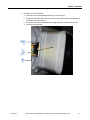
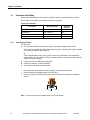
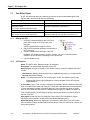
3. Remove the rubber feet from the Backplate mounting holes.
4. Use the four mounting screws to attach the Controller/Backplate assembly to the panel.
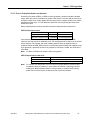
Torque settings for the fasteners used to mount the Backplate should be determined
according to standard industry practices or manufacturer’s recommendations.
24
PACSystems* RXi Distributed IO Controller User’s Manual–December 2012
GFK-2816