1
English-Spanish Electronic Dictionary
•
User’s Manual
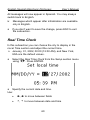
Press ENTER or ESC to close the Daily Alarm window.
¾ In case a Daily Alarm and a Schedule Reminder are set
for the same time, the latter will take priority.
Date Format
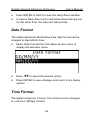
The default American Month-Day-Year date format can be
changed to Day-Month-Year.
•
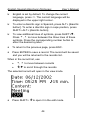
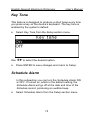
Select Date Format from the Setup section menu to
display the selection menu.
•
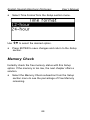
Press Ð,Ï to select the desired option.
•
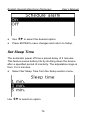
Press ENTER to save changes and return to the Setup
section.
Time Format
The default American 12-hour time format can be changed
to a 24-hour (Military) format.
63