1
INSTEI_02.fm Page 32 Monday, January 26, 2004 2:11 PM
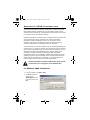
8. Type spxsvr.exe /service and press [ENTER] on your keyboard. Close
the Command Prompt window.
Ensure that there is a space between spxsvr.exe and the front
slash (/).
9. Click Start JPrograms JPosition Technology JCentaur 3.1
JCentaur Service Manager.
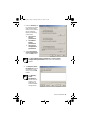
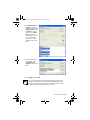
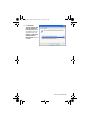
10. The Centaur Service Manager window
will appear. Select the Auto-start
service when OS starts check box.
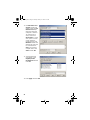
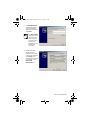
11. If you want the Service Manager to
verify every 5 minutes if the service is
running or not, and then start it if it is
not running, select the Auto-restart
service when stopped check box.
Close the window.
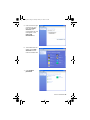
12. Restart your computer. The Centaur Service Manager will now start
automatically. To run Centaur you will only need to click Start
JPrograms JPosition Technology JCentaur 3.1 JAdministration
Console.
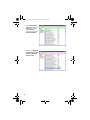
The Centaur Service Manager will run in the background and will
not be visible in the status area.
32



















![[ ] playback mode](http://vs1.manualzilla.com/store/data/005894332_1-eb04455062e124c285a30d79ed1ad6c3-150x150.png)