1
Getting Started
Carbon Checker user manual
4
Getting Started
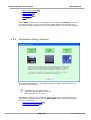
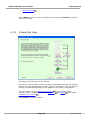
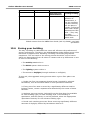
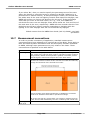
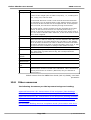
This section takes you through the process of opening a project 28 , file
management 29 , using the project wizard 30 to input initial settings and and
introduction to the main screen 35 .
IMPORTANT: Only Administrators can install and License Carbon
Checker. If you are not an administrator on your machine then please seek
assistance from your IT department. Once it is installed, it is recommended
that you always run Carbon Checker as an administrator user. If you are
unable to do this then you should see Running Carbon Checker as an Ordinary
User. 11
Note: Context Sensitive Help can be
accessed at any time within Carbon
Checker, on any screen by pressing
F1.
4.1
Opening New Projects
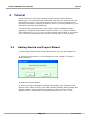
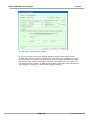
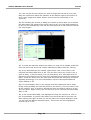
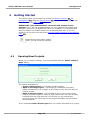
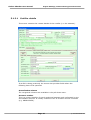
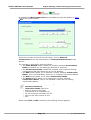
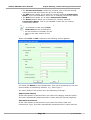
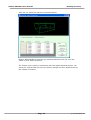
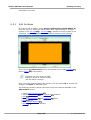
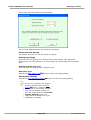
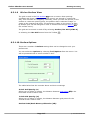
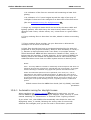
When you run Carbon Checker, you are presented with the 'Select a Way to
Start' dialog.
The options available are:
· Create a New Project - This creates a blank project
· Open an Existing Project - This brings up a standard "File Open"
dialog and allows you to navigate to any folder on any drive to open an
existing project.
· Open an Recent Project - This provides a list of (up to) the 8 most
recently opened projects in order of most recent first. This can be easily
selected from the drop down list. If you have not yet created any
projects, there will not be any recent projects available and this option
will be disabled.
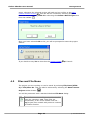
If you selected Create a New Project then you will be prompted for a project
Page 28
© 2012 BuildDesk Ltd.