1
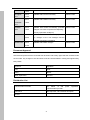
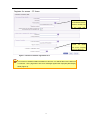
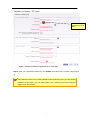
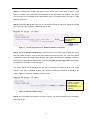
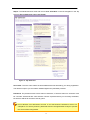
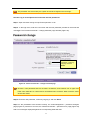
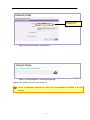
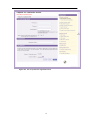
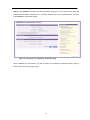
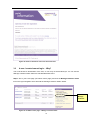
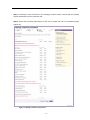
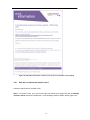
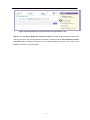
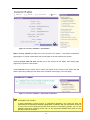
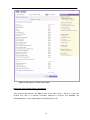
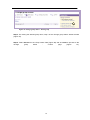
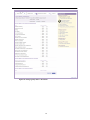
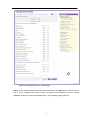
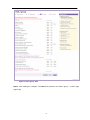
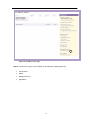
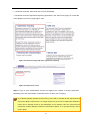
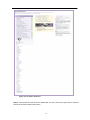
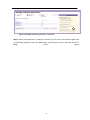
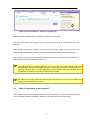
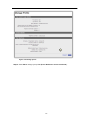
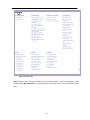
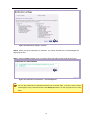
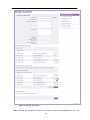
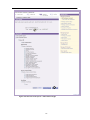
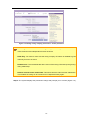
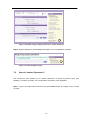
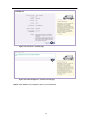
Figure 110: Request access page
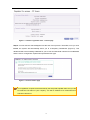
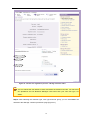
Admin can grant two levels of permissions: Event Manager and Normal User. Openreach (internal) user
being able to request access for shared calendar application.
Site administrator (Service desk) being able to grant/deny Normal user/Events manager access requests
from Openreach users.
5.7.2
Shared calendar Normal user functionality
Openreach user successfully adds, modifies, copies and removes events on Openreach shared
calendar application.
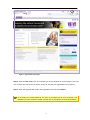
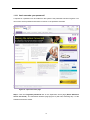
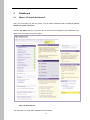
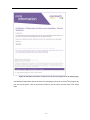
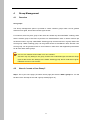
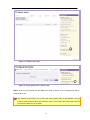
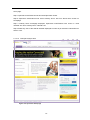
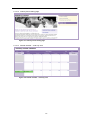
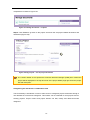
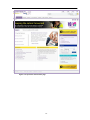
Step 1 Normal user launches the Openreach portal and logs in to dashboard.
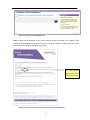
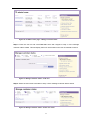
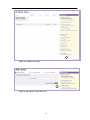
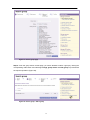
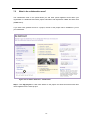
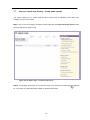
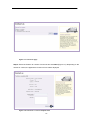
Step 2 Normal user clicks on “Shared calendar” link from the “My tools” pane on dashboard.
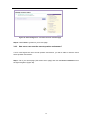
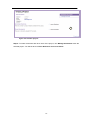
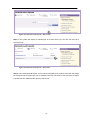
Step 3 Normal user clicks on “Launch application” link.
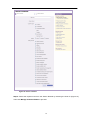
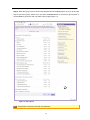
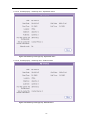
Step 4 Normal user clicks on a date to add an event.
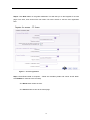
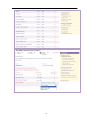
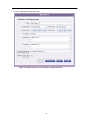
Step 5 Normal user specifies the event information on the relevant fields on the event pop-up and
clicks on “Save” button.
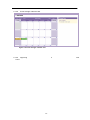
Step 6 Event will be saved in the appropriate date cage on the calendar view in the respective
color coding assigned to new/to be-approved events.
5.7.2.1
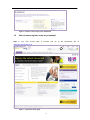
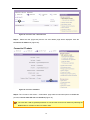
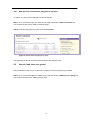
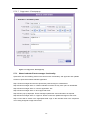
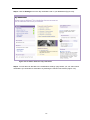
Openreach portal – dashboard
97