1
Screen 1 is used for displaying the instrument status (the
"Dashboard") and controlling the instrument
Screen 2 is used to display data using GENIE
Screen 3 is for OPENGENIE
Screen 4 is for the users e.g. to telnet to their home computer.
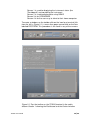
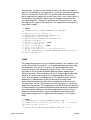
To create a window, on the toolbar click on the icon for a terminal (4th
from the left in Figure 3.1), a menu then pops-up and click on the item
labelled DECTERM. This procedure is the same in any of the screens.
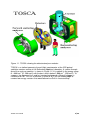
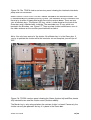
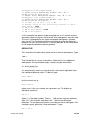
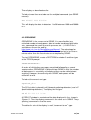
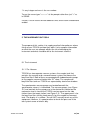
Figure 3.1:Top: the toolbar on the TOSCA terminal in the cabin,
bottom: Screen 1 showing the Dashboard and the Control window.
TOSCA User Guide
30 / 66