1
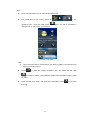
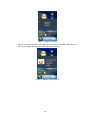
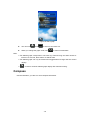
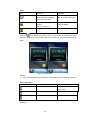
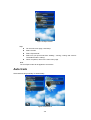
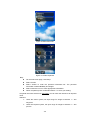
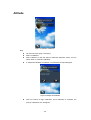
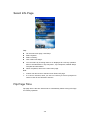
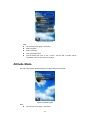
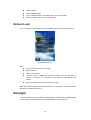
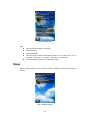
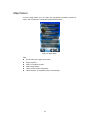
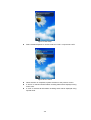
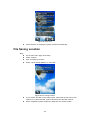
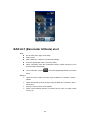
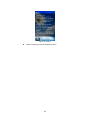
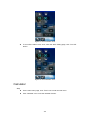
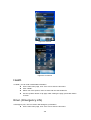
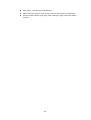
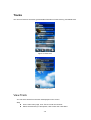
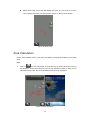
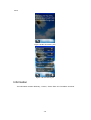
Figure 74 Altitude alert
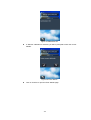
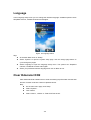
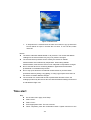
If "Repeat Alert" is selected then the alert will continue to pop up when the
current altitude is equal or exceeds the set value. To turn off alert, select
"Alert Off".
Notice!
The device estimates altitude based on air pressure. The means that altitude
readings for the same location may vary if air pressure changes.
The semiconductor pressure sensor used by the device for altitude
measurements also is affected by temperature. When taking altitude
measurements, make sure the device is not subjected to temperature changes.
Do not use this device for measuring altitude in applications that demand
professional or industrial level precision.
Do not rely upon this device for altitude measurements or perform button
operations while sky diving, hang gliding, or riding a gyrocopter where there is
the chance of sudden altitude changes.
The air inside of a commercial aircraft is pressurized. Because of this, the
readings produced by this device will not match the altitude readings announced
or indicated the flight crew.
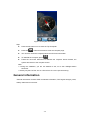
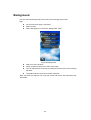
Time alert
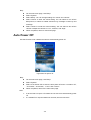
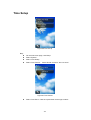
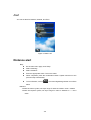
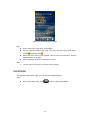
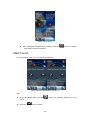
Step:
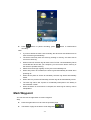
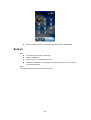
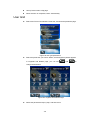
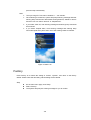
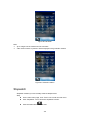
On the main menu page, click Setup.
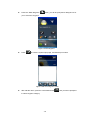
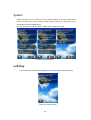
Select “Alert”.
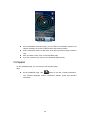
Select “Time”.
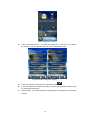
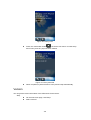
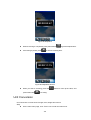
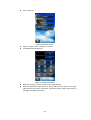
Enter appropriate value. The unit is minute.
When completed, press the confirmation button. System will return to the
-57-