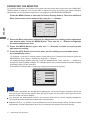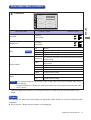
1
Direct
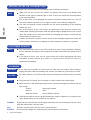
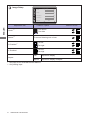
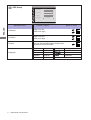
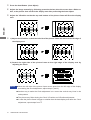
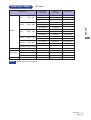
You can skip the Menu items and display an adjustment scale directly by using the following button
operations.
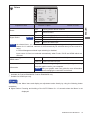
Volume: Press the + Button when the Menu is not displayed.
Adjustment Item
ENGLISH
Volume
Problem / Option
Button to Press
Too soft
Too loud
Only Analog Input
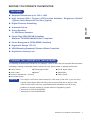
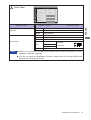
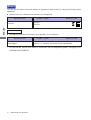
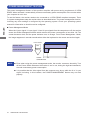
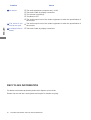
Auto Adjust: Press the AUTO Button when the Menu is not displayed.
Adjustment Item
Auto Adjust *
*
Button to Press
Adjust H. / V. Position, Clock and Phase automatically.
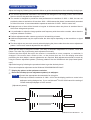
For best results, use the Auto Adjust in conjunction with the adjustment pattern. See page 20 for
SCREEN ADJUSTMENTS.
19
Problem / Option
OPERATING THE MONITOR