1
Table of Contents
Table of Contents....................................................................................................................... ii
About This User’s Manual.......................................................................................................iv
Notes for This Manual..............................................................................................................iv
Safety Precautions.....................................................................................................................v
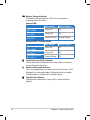
Knowing the Parts
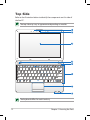
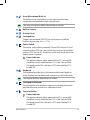
Top Side.....................................................................................................................................1-2
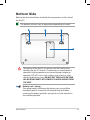
Bottom Side..............................................................................................................................1-5
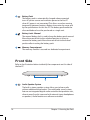
Front Side..................................................................................................................................1-6
Right Side..................................................................................................................................1-7
Left Side.....................................................................................................................................1-8
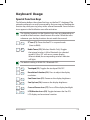
Keyboard Usage......................................................................................................................1-9
Touchpad Usage...................................................................................................................1-11
Getting Started
Powering on your Eee PC....................................................................................................2-2
First-time Startup...................................................................................................................2-3
Desktop......................................................................................................................................2-4
ASUS EeePC Tray Utility........................................................................................................2-5
Enabling and Disabling Devices........................................................................2-5
Adjusting the display resolution........................................................................2-5
Network Connection.............................................................................................................2-6
Configuring a wireless network connection.................................................2-6
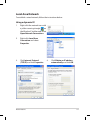
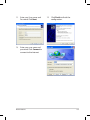
Local Area Network.................................................................................................2-7
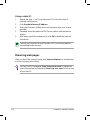
Browsing web pages............................................................................................2-10
WLAN Setup FAQ (Windows XP) . ...................................................................................2-11
Using the Eee PC
ASUS Update............................................................................................................................3-2
Updating the BIOS through the Internet........................................................3-2
Updating the BIOS through a BIOS file............................................................3-3
Bluetooth Connection (on selected models)...............................................................3-4
Super Hybrid Engine.............................................................................................................3-6
ii
Table of Contents