1
iv
Quick Setup in five easy steps
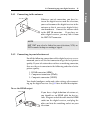
1. Connect aerial antenna to ANT IN on back of Topfield
unit.
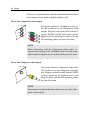
2. Connect your desired audio-video cables from back of
Topfield to rear of television (Composite, Component,
HDMI).
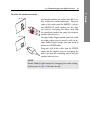
3. Plug into power point and turn Topfield unit ON using
the switch on the back of the unit.
4. Switch television on, then use the television remote to
select the correct video input channel for the Topfield (for
example, AV1, AV2, Component, HDMI, etc).
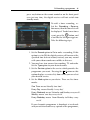
5. On the main menu go to Installation/Searching then
scroll to Start Search, press OK .
Wait till progress bar on bottom of screen reaches 100 %
then press OK to save and EXIT .