1
MX Voice-Fax Gateway Series
High Availability Configuration Guide
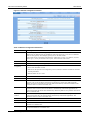
3.2 Configuring Primary-Standby Mode
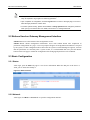
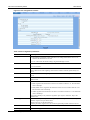
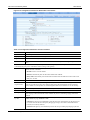
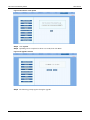
Click Basic > SIP.
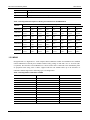
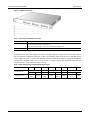
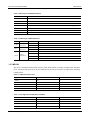
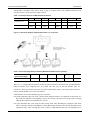
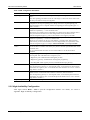
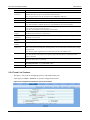
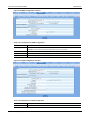
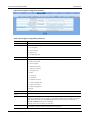
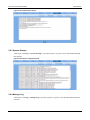
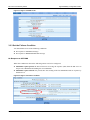
Figure 3-2 Primary-Standby configuration page
Here are the steps to configure the Primary-Standby mode.
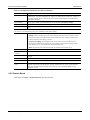
Step4 Choose the mode as Primary-Standby.
Step5 Fill primary SIP server IP address or domain name in Registrar server.
Step6 Fill primary SIP server IP address in Backup SIP proxy server. (If a domain name is filled in
step 2, skip this step.)
Step7 Select Primary server heartbeat detection, and configure the OPTIONS request period.
Step8 Click Submit.
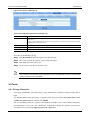
Step9 Click Basic > Network, check Enable in DNS,fill IP address in Primary server,and then
submit. (This step is required if a domain name is filled in step 2).
3.3 Configuring Active-Standby Mode
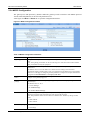
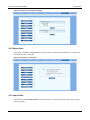
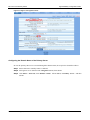
3.3.1 Enable Active-Standby Feature
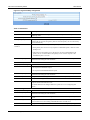
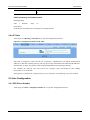
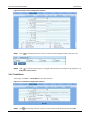
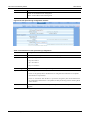
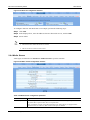
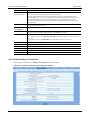
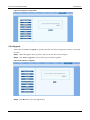
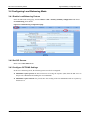
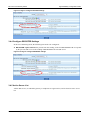
Enter the SIP trunk setting page, and click Basic > SIP > Primary-Standby configuration and choose
Active-standby, then submit.
New Rock Technologies, Inc.
1