1
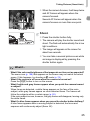
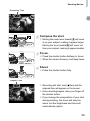
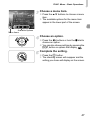
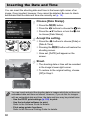
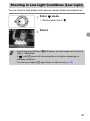
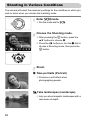
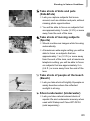
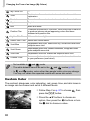
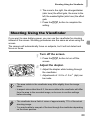
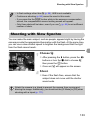
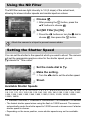
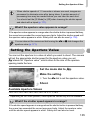
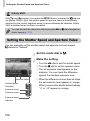
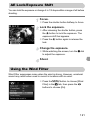
Shooting Movies Remaining Time Compose the shot. ● Moving the zoom lever toward i will zoom in on your subject, making it appear larger. Moving the lever toward j will zoom out from your subject, making it appear smaller. Focus. ● Press the shutter button halfway to focus. When the camera focuses, it will beep twice. Shoot. ● Press the shutter button fully. Elapsed Time Recording will start, and [ Rec] and the elapsed time will appear on the screen. ● Once shooting begins, take your finger off the shutter button. ● If you change the composition of your shot during shooting, the focus will stay the same, but the brightness and tone will automatically adjust. 29