1
Office Depot Online User Guide
6 USER PROFILES (Super Users only)
A Super User is a user with the ability to maintain user and account settings online. A Super
User is able to Add New Users, Edit User Profiles, and Modify User Permissions and the
Approval Processes. A Super User also has the ability to add and modify Delivery Addresses,
Cost Centres, PO Numbers and Contacts on the account. To start managing user accounts,
simply go to the My Account page.
ADD NEW USERS
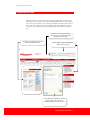
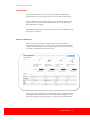
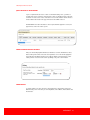
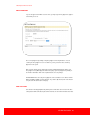
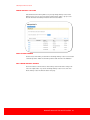
Once you are on the My Account page, you can add a new user to the account by going to the
Manage Users box and selecting Add New Users.
LOGIN SETTINGS
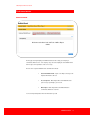
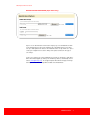
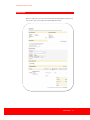
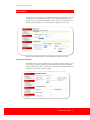
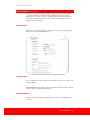
The screen prompts you to create a Username and Password for each user. You can also select
password expiration.
PLEASE NOTE: Office Depot online usernames must be unique. Passwords must be a minimum
of 6 and a maximum of 10 alphanumeric characters.
USER INFORMATION
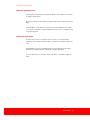
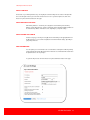
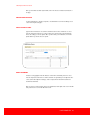
Enter the name, telephone number and email address of the person associated with this new
user setup.
USER PROFILES 21