1
Running vs. scheduling reports
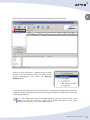
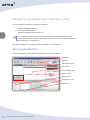
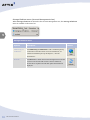
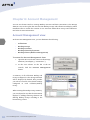
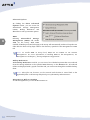
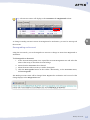
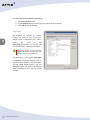
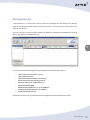
In the Reports view, you can run a report manually at any time or schedule reports to run at
particular times.
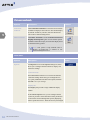
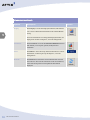
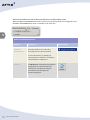
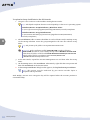
To run a report manually:
1.
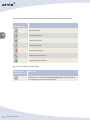
In the Reports tree, click the report template type.
2. In the work area, right-click the report name and then click Show report.
Alternatively, double-click the report name.
The report will open in your default Internet browser. You can also schedule reports to be
emailed automatically. See below.
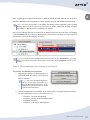
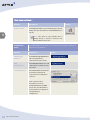
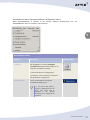
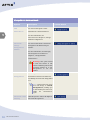
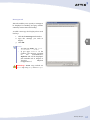
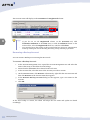
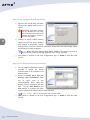
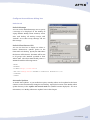
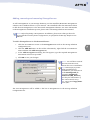
To create a scheduled report:
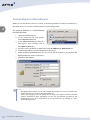
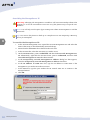
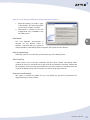
1.
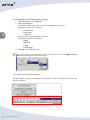
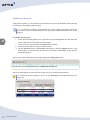
Click the Schedule Report button on the toolbar.
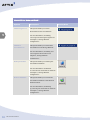
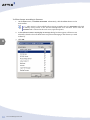
2. The wizard will prompt for the report category and report template to be used, if you did
not select a particular report before clicking the Schedule Report toolbar button.
8
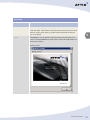
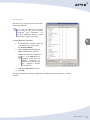
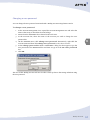
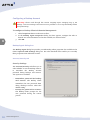
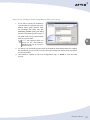
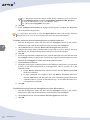
3. Provide a name and description for this report, and then click Next.
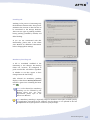
4. Specify the delivery schedule.
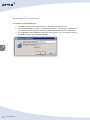
5.
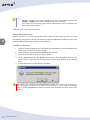
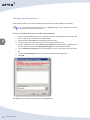
Specify the delivery options. Use the Add button to specify the email addresses to
which the reports must be emailed. Multiple email addresses must be separated with a
semicolon.
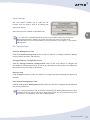
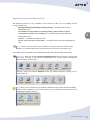
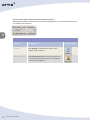
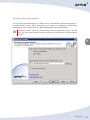
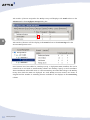
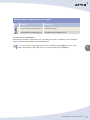
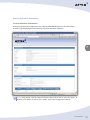
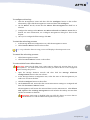
Tip: Scheduled reports are displayed in the Scheduled Reports tab in the work area.
The schedule of existing reports may be modified by clicking the Configure button on
the main toolbar and can be removed by clicking the Delete button.
Enterprise Reports
210