1
WWW.FOSCAM.COM
FI8903W /FI8904W/ FI8905W User Manual
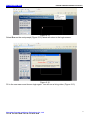
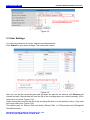
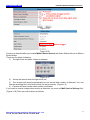
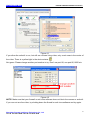
NOTE: In Windows7 or Vista, if you can not change the record path. Please set as below:
Windows7 or Vista's security level is higher than Windows XP/2000.For "set record path"
function, user should add the Device IP address to the IE's 'Trusted sites' first. The step is:
IE browserÆToolÆInternet ProperÆSecurityÆTrusted sitesÆSitesÆAdd
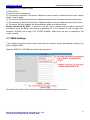
3.4 Multi-Device Settings
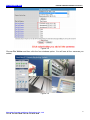
The firmware inside the camera can support a maximum of 9 devices monitoring at the same
time.
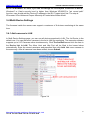
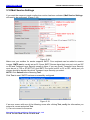
3.4.1 Add cameras in LAN
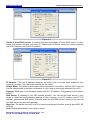
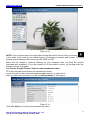
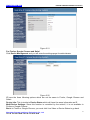
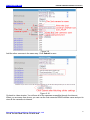
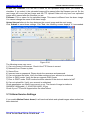
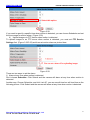
In Multi-Device Settings page, you can see all devices searched in LAN. The 1st Device is the
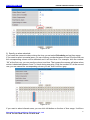
default one. You can add more cameras in the list in LAN for monitoring. The camera’s software
supports up to 9 IP Cameras online simultaneously. Click The 2nd Device and click the item in
the Device List in LAN, The Alias, Host and Http Port will be filled in the boxes below
automatically. Enter the correct username and password then click Add. Add more cameras in
the same way. After all cameras have been added, choose Submit.
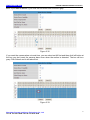
Figure 3.4
Shenzhen Foscam Intelligent Technology Co., Ltd
Tel: 86 755 2674 5668 Fax: 86 755 2674 5168
22