1
Digiframe
[Type some text]
Digital photo frame
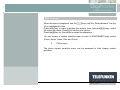
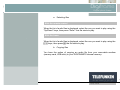
Press the "Enter" key to display the options, then using the "Up/Down" arrows,
select the transition you want. Press "Enter" to confirm your choice, then twice on
the "Exit" key to exit the menu. Then press the "Slideshow" key to restart the
slideshow.
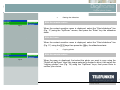
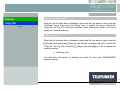
With the frame
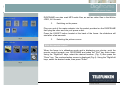
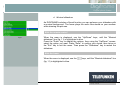
When the menu is displayed, use the
(fig. 9) is highlighted in blue.
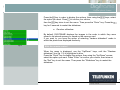
Press the
keys, until the "Image transitions" line
key in order to display the options, then using the
keys, select
key to
the option you want. Press to confirm your choice, then twice on the
key for 5 seconds to
exit the menu. Then press the "Enter" key. Press the
restart the slideshow.
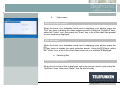
c. Display time
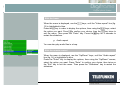
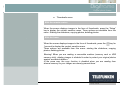
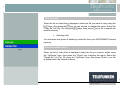
You have the option of adjusting the length of time the images in your
slideshow are displayed.
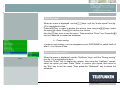
There are 3 options:
Fast (About 5s)
Medium (About 10s)
Slow (About 15s)
The default setting is Fast.
20
Non binding document, subject to modification in the event of
misprint(s) – MKG0308