1
Chapter
■
Outlook 2007
■
Outlook 2003
■
Outlook 2002
■
Outlook Express 6.0
■
Outlook Express 5.0
7
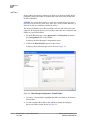
The following procedure describes how to push an object to your cell phone:
1. Make sure the cell phone is in searchable mode.
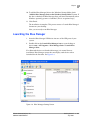
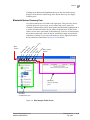
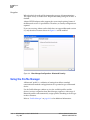
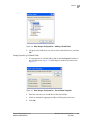
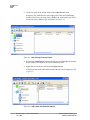
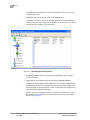
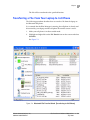
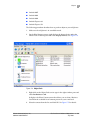
2. On the Blue Manager screen, right click on the phone device under the
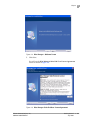
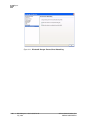
Phones icon on the left pane and select Display Services. See Figure 7-4.
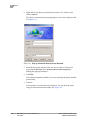
Figure 7-4. Object Push
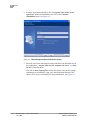
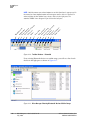
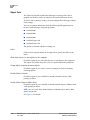
3. Right click on the Object Push service type in the right window pane and
select Put Business Card.
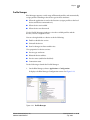
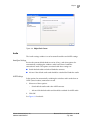
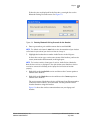
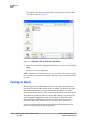
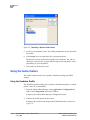
It displays the Select Contact screen that allows you to select a Business
Card from the available list of contacts present in your e-mail tool.
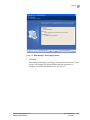
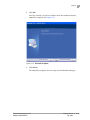
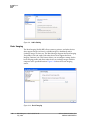
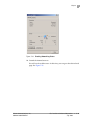
4. Select the contact from the list and click OK. See Figure 7-5 for details.
Atheros Communications, Inc.
COMPANY CONFIDENTIAL
File Transfer and Advanced Operations
July 2008
•
•
7-5
7-5