1
4
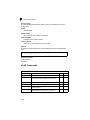
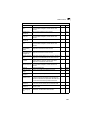
VLAN Commands
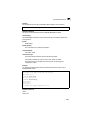
Example
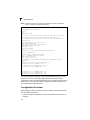
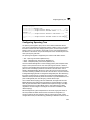
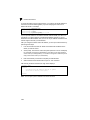
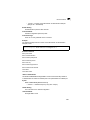
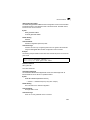
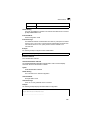
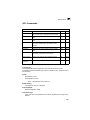
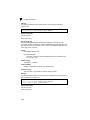
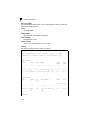
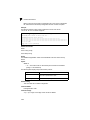
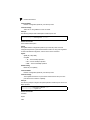
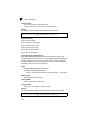
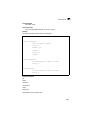
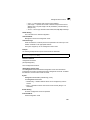
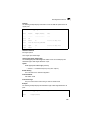
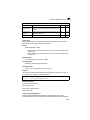
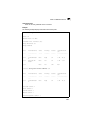
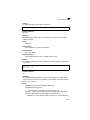
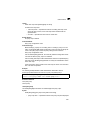
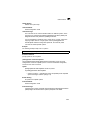
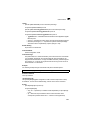
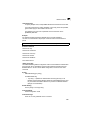
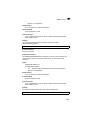
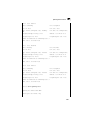
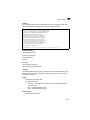
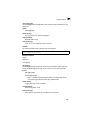
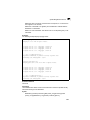
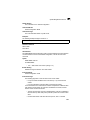
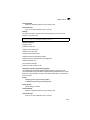
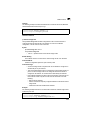
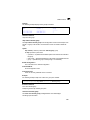
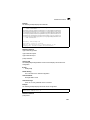
The following example overrides the FDB decision and sends all Unicast, Multicast
and Broadcast traffic to Ethernet port 1/g1.
console# config
console(config)# interface ethernet 1/g1
console(config-if)# switchport protected
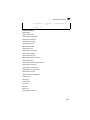
Related Commands
ip internal-usage-vlan
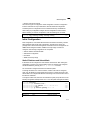
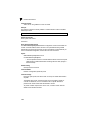
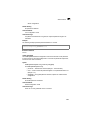
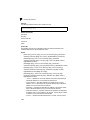
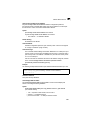
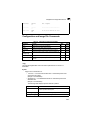
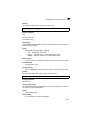
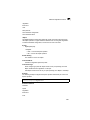
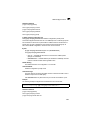
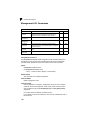
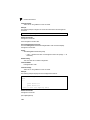
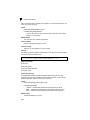
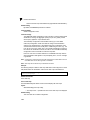
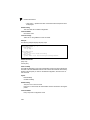
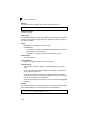
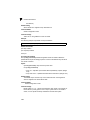
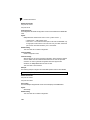
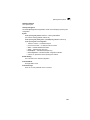
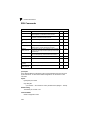
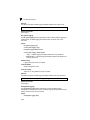
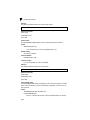
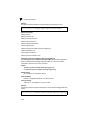
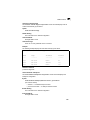
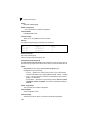
The ip internal-usage-vlan Interface Configuration mode command reserves a
VLAN as the internal usage VLAN of an interface. To return to the default
configuration, use the no form of this command.
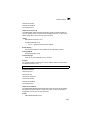
Syntax
ip internal-usage-vlan vlan-id
no ip internal-usage-vlan
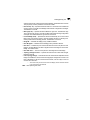
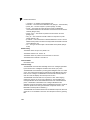
• vlan-id — Specifies the ID of the internal usage VLAN.
Default Setting
The software reserves a VLAN as the internal usage VLAN of an interface.
Command Mode
Interface Configuration (Ethernet, port-channel) mode
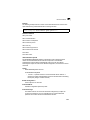
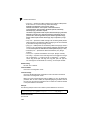
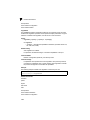
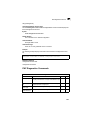
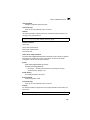
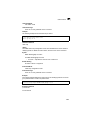
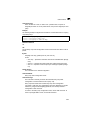
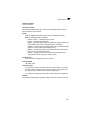
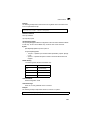
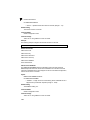
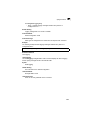
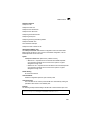
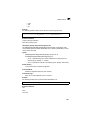
Command Usage
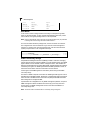
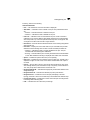
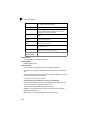
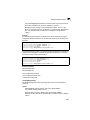
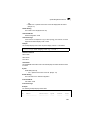
• An internal usage VLAN is required when an IP interface is configured on
an Ethernet port or port-channel.
• This command enables the user to configure the internal usage VLAN of a
port. If an internal usage VLAN is not configured and the user wants to
configure an IP interface, an unused VLAN is selected by the software.
• If the software selected a VLAN for internal use and the user wants to use
that VLAN as a static or dynamic VLAN, the user should do one of the
following:
• Remove the IP interface.
• Use this command to explicitly configure a different VLAN as the internal
usage VLAN.
• Create the VLAN and recreate the IP interface.
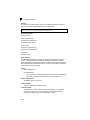
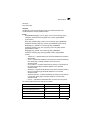
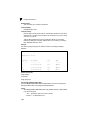
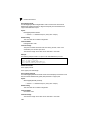
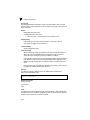
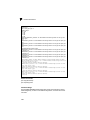
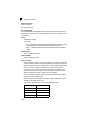
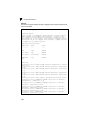
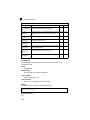
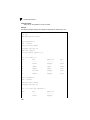
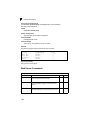
Example
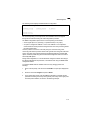
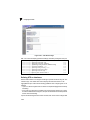
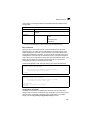
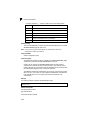
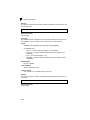
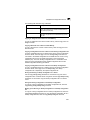
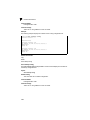
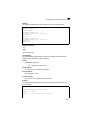
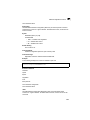
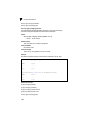
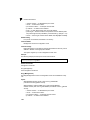
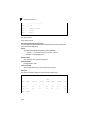
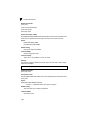
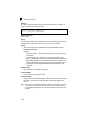
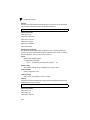
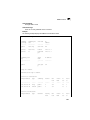
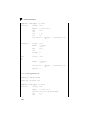
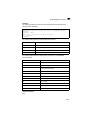
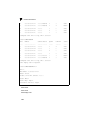
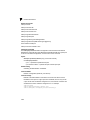
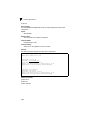
The following example reserves an unused VLAN 1236 as the internal usage VLAN
of ethernet port 1/e8.
console# config
console(config)# interface ethernet 1/e8
console(config-if)# ip internal-usage-vlan 1236
4-579