1
Installing Software for Windows
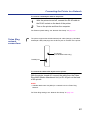
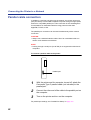
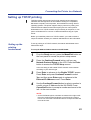
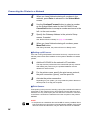
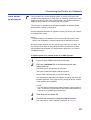
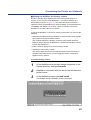
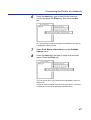
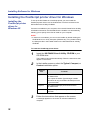
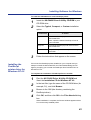
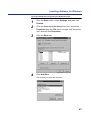
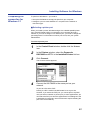
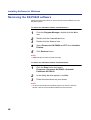
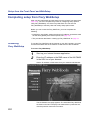
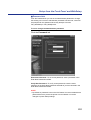
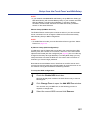
To remove the KX-P8420 software with Windows NT 4.0:
1
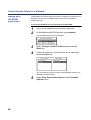
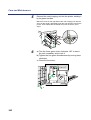
Click the Start button and select
Programs >Panasonic KX-P8420 >Uninstall
Panasonic KX-P8420.
2
3
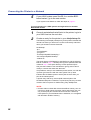
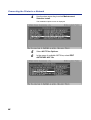
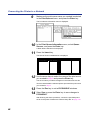
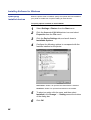
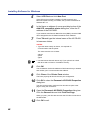
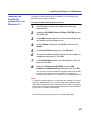
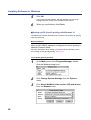
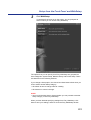
In the dialog box that appears, click Yes.
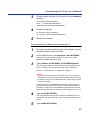
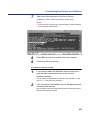
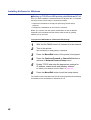
Follow the instructions on your screen.
NOTE:
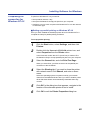
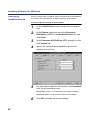
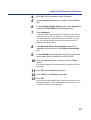
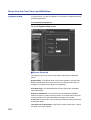
• To remove the Panasonic KX-P8420 printer icon from the Printers
window, click the icon and select Delete from the File menu.
99