1
9
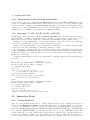
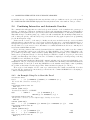
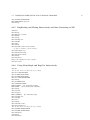
2.4. COMBINING INTERACTIVE AND AUTOMATIC SEARCHES
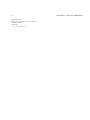
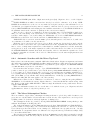
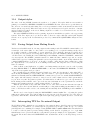
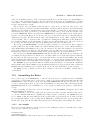
specified line in a proof, it displays in the same way the lines of the proof which are used to prove the specified
line. PRINT-PROOF-STRUCTURE displays the hierarchy itself in terms of the numbers of the proof lines.
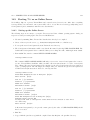
2.4
Combining Interactive and Automatic Searches
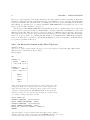
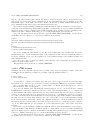
The command GO will apply inference rules based upon the structure of the formulas in the current proof
structure – breaking up conjunctions, applying the deduction rule, instantiating definitions, etc. This facility is
rather shallow, and requires the user to provide any terms for universal instantiation or existential generalization.
Thus while it may be useful in getting a proof started, it will eventually fail. The GO facility is fairly static as
well; to change the priority of the rules and/or keep some rules from being applied requires some programming
(see the file ml2-prior.lisp).
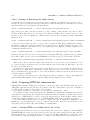
Tactics can also be used to do the same job. In this case, the user can build a tactic (see section 9.1) which
will apply inference rules in whatever order is desired. Tactics allow the user to experiment with different proof
strategies and express his or her own creative spirit. Tactics for applying most of the current inference rules are
already defined. See section 9.1.4 for more information on commands which invoke the most commonly used
tactics such as MONSTRO and GO2.
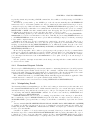
If a proof is being constructed interactively by natural deduction commands, it is possible to use the command
DIY-L to automatically complete some of the subproofs. This calls DIY to prove a lemma, adding lines to the
proof within a specified range. This is useful for quickly filling in the trivial parts of more difficult theorems
which you are proving interactively. See the help message for DIY-L for details. To keep the proof short and
readable, automatically-produced subproofs need not be translated completely; see the help message of the flag
USE-DIY for more information about this.
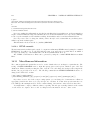
The tactic DIY-TAC basically just calls the DIY command, and thus can be used in tactics which first do some
manipulation of the proof based upon the structure of the formulas, then call mating-search when instantiations
of quantifiers must be found. (Note: if the flag USE-DIY is set, the translation may simply consist of justifying
the goal line as ‘Automatic’ from the support lines. This is useful for keeping the proof short.)
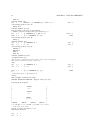
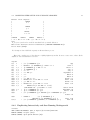
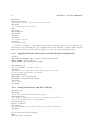
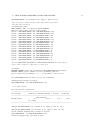
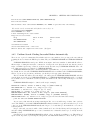
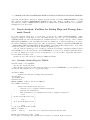
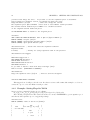
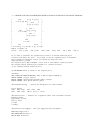
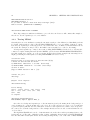
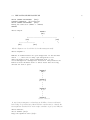
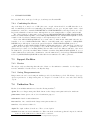
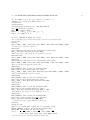
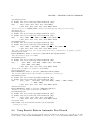
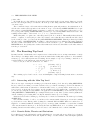
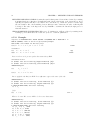
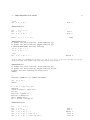
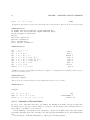
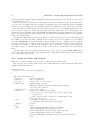
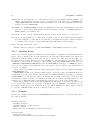
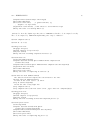
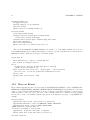
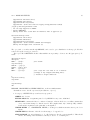
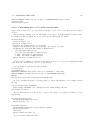
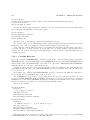
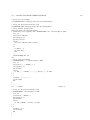
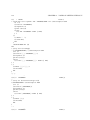
We now give several examples of how to start a proof interactively and continue automatically. Note that
if you modify the expansion tree interactively, you should use the command CJFORM before attempting to
construct a mating interactively.
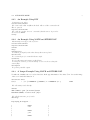
2.4.1
An Example Using Go to Start the Proof
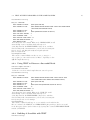
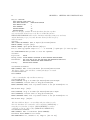
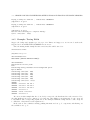
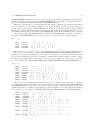
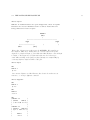
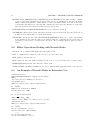
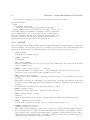
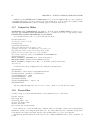
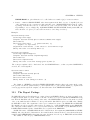
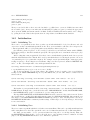
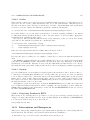
<3>exercise x5203
(100)
! % f [x INTERSECT y] SUBSET % f x INTERSECT % f y
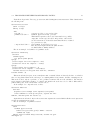
We use the GO command to start the proof.
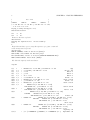
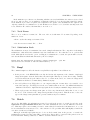
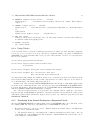
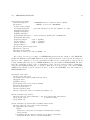
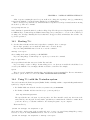
<4>go
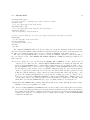
Considering planned line 100.
IDEF 100
Command [(IDEF 100)]>
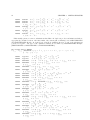
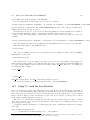
Instantiate the definition of SUBSET.
(99)
! FORALL x .
% f [x INTERSECT y] x
IMPLIES [% f x INTERSECT % f y] x
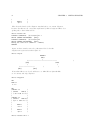
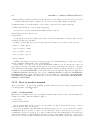
Considering planned line 99.
The first two occurrences of x have different types, but they are not shown.
UGEN 99
Command [(UGEN 99)]>
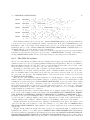
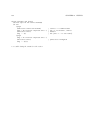
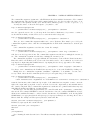
(98)
! % f [x INTERSECT y] x IMPLIES [% f x INTERSECT % f y] x
Considering planned line 98.
DEDUCT 98
Command [(DEDUCT 98)]>
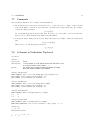
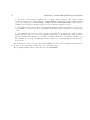
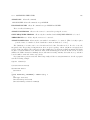
(1)
1
! % f [x INTERSECT y] x
(97) 1
! [% f x INTERSECT % f y] x
Considering planned line 97.
EDEF 1
PLAN1
PLAN2
PLAN3
Hyp
PLAN4