1
BIOS SETUP
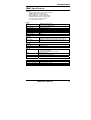
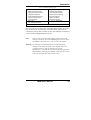
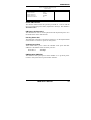
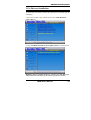
Quick Power On Self Test
When enabled, this field speeds up the Power On Self Test (POST) after
the system is turned on. If it is set to Enabled, BIOS will skip some
items.
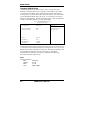
First/Second/Third Boot Device
These fields determine the drive that the system searches first for an
operating system. The options available include Floppy, LS120, Hard
Disk, CDROM, ZIP100, USB-Floppy, USB-ZIP, USB-CDROM, LAN
and Disable.
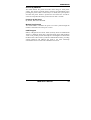
Boot Other Device
These fields allow the system to search for an OS from other devices
other than the ones selected in the First/Second/Third Boot Device.
Boot Up Floppy Seek
This feature controls whether the BIOS checks for a floppy drive while
booting up. If it cannot detect one (either due to improper configuration
or its absence), it will flash an error message.
Boot Up NumLock Status
This allows you to activate the NumLock function after you power up
the system.
Gate A20 Option
This field allows you to select how Gate A20 is worked. Gate A20 is a
device used to address memory above 1 MB.
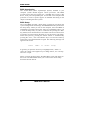
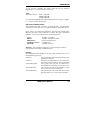
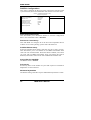
Typematic Rate Setting
When disabled, continually holding down a key on your keyboard will
generate only one instance. When enabled, you can set the two typematic
controls listed next. By default, this field is set to Disabled.
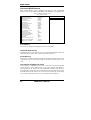
Typematic Rate (Chars/Sec)
When the typematic rate is enabled, the system registers repeated
keystrokes speeds. Settings are from 6 to 30 characters per second.
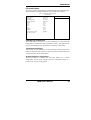
Typematic Delay (Msec)
When the typematic rate is enabled, this item allows you to set the time
interval for displaying the first and second characters. By default, this
item is set to 250msec.
IB885 User’s Manual
27