1
BIOS SETUP
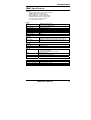
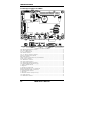
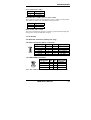
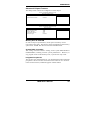
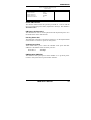
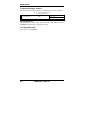
PC Health Status
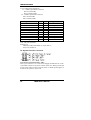
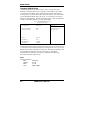
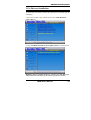
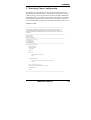
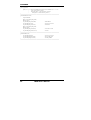
This section shows the parameters in determining the PC Health Status.
These parameters include temperatures, fan speeds and voltages.
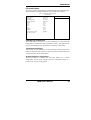
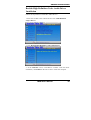
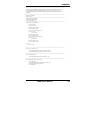
Phoenix - AwardBIOS CMOS Setup Utility
PC Health Status
CPU Warning Temperature
System Temp
CPU Temp
North Bridge Temp
System FAN Speed
Vcore(V)
+12V
Vmem
+5V
3.3V
VBAT (V)
3VSB(V)
System Smart Fan Temp
Fan Tolerance Value
Disabled
45°C/113°F
45°C/113°F
30°C/86°F
5400 RPM
1.02 V
12.2 V
1.8V
5.13 V
3.29V
3.21 V
3.21 V
Disabled
5
ITEM HELP
Menu Level >
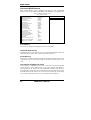
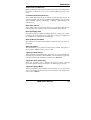
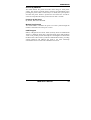
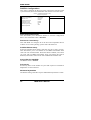
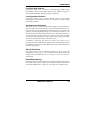
CPU Warning Temperature
This field allows the user to set the temperature so that when the
temperature is reached, the system sounds a warning. This function can
help prevent damage to the system that is caused by overheating.
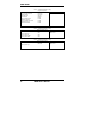
Temperatures/Voltages
These fields are the parameters of the hardware monitoring function
feature of the board. The values are read-only values as monitored by the
system and show the PC health status.
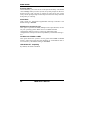
System Smart Fan Temperature
This field enables or disables the smart fan feature. At a certain
temperature, the fan starts turning. Once the temperature drops to a
certain level, it stops turning again.
IB885 User’s Manual
35