1
1
raytest
Create User Registration
Access control to AIDA might be required when working under Good Laboratory Practice
(GLP) conditions. AIDA provides three different types of users, a System Administrator,
Administrators and normal Users.
The System Administrator is a fixed account in AIDA which cannot be changed or
deleted. When no password is set for the System Administrator, the user registration in
AIDA is deactivated.
Administrators have the permission to create, modify and delete users or administrators.
For GLP relevant modifications of the program settings, general administrator rights are
required in AIDA.
Users can modify their own password. They have access to the normal functionality of
AIDA.
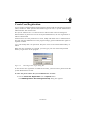
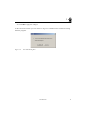
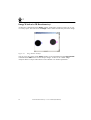
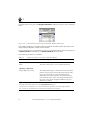
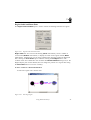
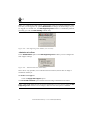
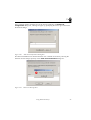
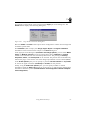
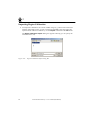
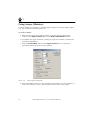
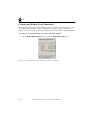
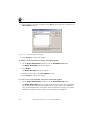
When the user registration is activated, you must type your user name and password
before you get access to the program.
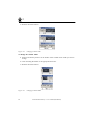
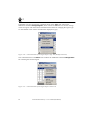
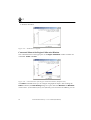
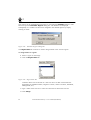
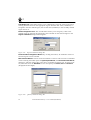
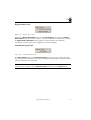
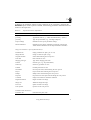
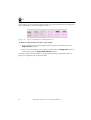
Figure 1-2
AIDA Registration Login Dialog Box
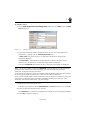
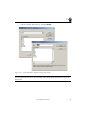
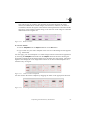
To activate the user registration in AIDA the first time, you must enter a password for the
system administrator account.
To enter the password for the system administrator account:
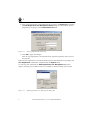
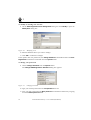
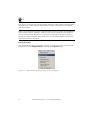
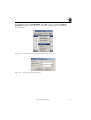
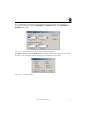
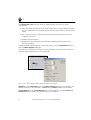
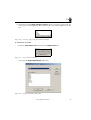
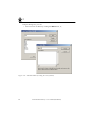
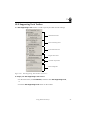
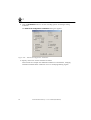
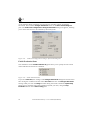
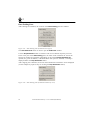
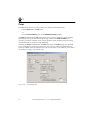
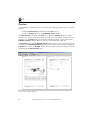
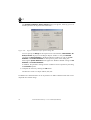
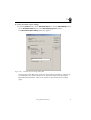
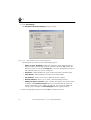
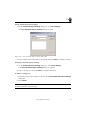
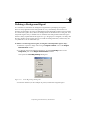
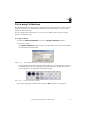
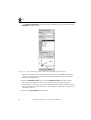
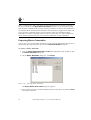
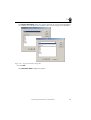
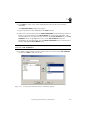
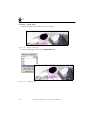
1 Choose Create User Registration from the Options menu.
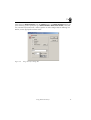
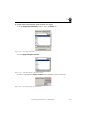
The AIDA Registration User Management Setup dialog box appears.
Introduction
7