1
5. Operation
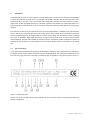
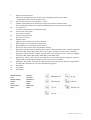
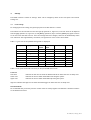
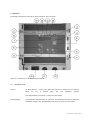
The DC206 is operated by means of the touch controls on the front panel.
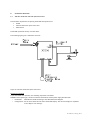
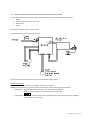
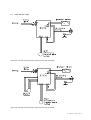
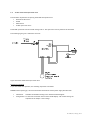
Figure 5.1. Overview of the DC206 operating elements
5.1
Operation mode
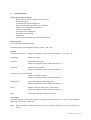
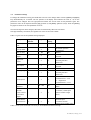
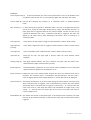
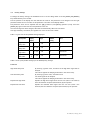
[Select]
(5) Hold down for 1 second. This allows the operator to change the level settings.
When
this
key
is
pressed
again,
the
next
parameter
appears.
After approximately 10 seconds, it returns to control mode.
[Select] [Open]
(5-6) Hold down simultaneously for 2 seconds. This allows the operator to change the
installation settings. After approximately 10 seconds, it returns to control mode.
Oct. 2008,rev.7, SvdP, pg. 15-32