1
Description
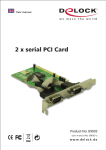
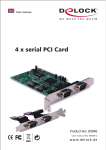
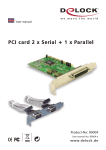
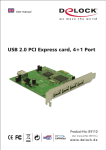
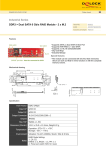
The DeLock PCI Express card expands your PC by two external serial, also one
external parallel Ports. You can connect devices like scanner, printer, mouse etc.
to the card.
Specification
• 2 x Pin header, with rear bracket with two DB9 RS-232 ports
• 1 x parallel DB25 Port
• Data transfer rate: serial up to 230.4 Kbps
parallel up to 1.5 Mbps
• SPP, PS2, EPP, ECP compatible to IEEE 1284
• compatible with 16C550 UART
• FIFO: 16 byte
• PCI Express x1 Standard
• Supports PCI Express 1.0a Specification
• for Windows 2000/XP, 2003
System requirements
• PC with one free PCI Express Slot and one rear slot
• Windows 2000/XP/2003
Package content*
• PCI Express card + rear bracket
• Driver CD
• User manual
*Make sure that the product package contains all items before operation. If any
item is missing or damaged, then please contact your dealer immediately.
Hardware Installation
Note:
Follow the general instructions for installation of the card. If necessary, read the
manual of your computer, or ask a specialist for help.
1.
2.
3.
4.
Turn off your PC, and unplug the power cord.
Open the housing.
Remove the slot holder from the available PCI Express slot and the rear slot
for the 2 serial ports.
Before you can insert the Card into the PCI Express slot, please connect the
2 ports of the serial rear bracket to the PCI Express card.
-1-