1
2.6 Chat/Instant messaging
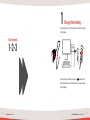
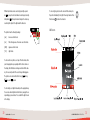
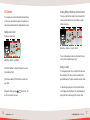
You can start a chat/instant messaging session with your contacts, either by selecting a contact from the Contact List and
pressing the Start Chat key or by selecting:
Main Menu -> Chat -> [ enter contacts SIP number ]
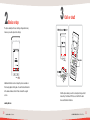
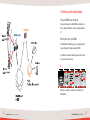
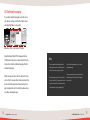
An input field labeled “Enter SIP URL” will appear. Enter the
SIP URL/number of the person you want to chat with. Press the
Center soft key to start the chat/instant messaging. The Chat
window will be displayed.
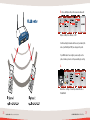
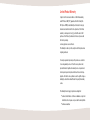
Enter the message you wish to send in the entry field. Press the
centre soft key. The message will be sent and also printed on the
last line in the Chat history window. If the recipient replies, the
reply is displayed at the end of the chat history window and you
can continue exchanging messages.
38
Quick Start Guide - Chat/Instant messaging
Note
The phone supports instant messaging chat which
end of the chat history window and you can continue
means that your contact does not have to be present
exchanging messages.
at the chat session when you type your message.
The messages you send are not removed from the entry
Enter the message you wish to send in the entry field.
field after sending. To clear the field, hold the Clear key
Press the centre soft key. The message will be sent and
down for a while.
also printed on the last line in the Chat history window.
If the recipient replies, the reply is displayed at the
© LUND IP PRODUCTS AB. WI-FI PHONE TA100
39