1
Programming
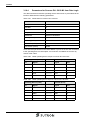
2.10.6.2
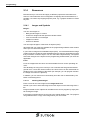
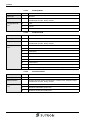
Controller Area, Activate Messages
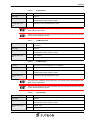
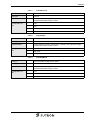
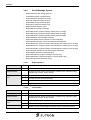
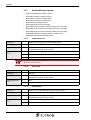
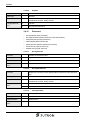
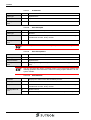
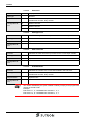
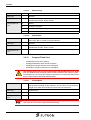
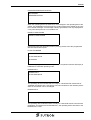
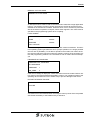
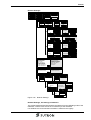
Representation (option):
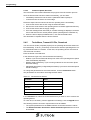
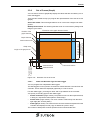
Select either reduced or extended representation of the parallel message system.
With the reduced representation you define the parallel message system with start
address, size and polling time.
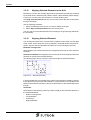
With the extended representation you define up to 8 sections of the parallel message
system with start address, acknowledge areas, sizes, offsets, starts of message areas and ends of message areas.
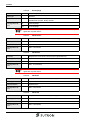
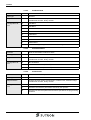
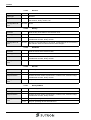
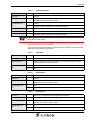
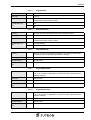
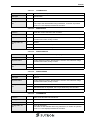
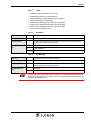
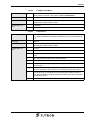
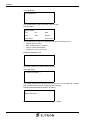
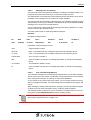
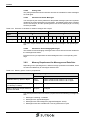
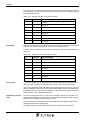
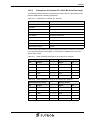
Parallel message system
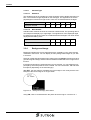
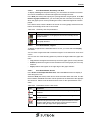
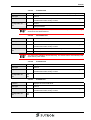
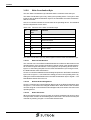
For the parallel message system, you must enter a starting address of the data area
where the messages are stored in the controller in bit-coded form.
You specify the number of bytes to define the size of the area for the status messages in the controller.
You can specify a maximum of 256 bytes for this area.
By entering the polling time, you specify the interval at which the operating device
reads the status messages' data area from the controller.
You can enter values from 0 to 25.5 seconds for the polling time.
The active messages are displayed in a screen with a message field for parallel messages. The status messages can be sorted according to various criteria.
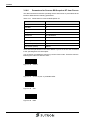
2.10.6.3
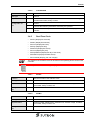
Controller Area, Options
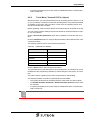
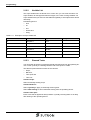
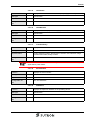
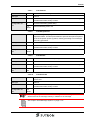
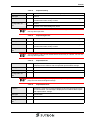
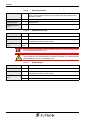
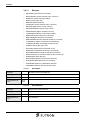
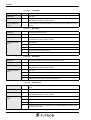
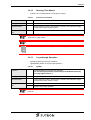
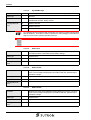
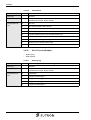
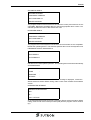
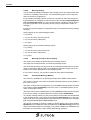
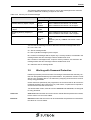
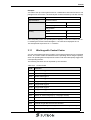
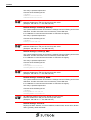
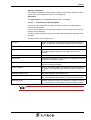
Parallel message system:
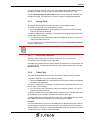
You specify a name for a variable with the same size as the variable for status messages in the field start address acknowledgement area.
Serial message system:
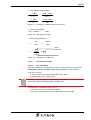
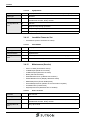
From the controller, you can delete all acknowledged messages if you write the bit
pattern E216h to the controller address Delete variable to messages and write the
control code 7FF5h to the serial message channel.
If you want to delete all messages, you need to write the control code 7FFEh to the
serial message channel. If you want to use this function of the operating device, you
must assign a 'variable for deleting messages'.
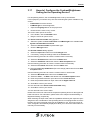
2.10.6.4
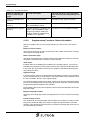
Terminal Area, Memory & Message
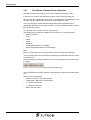
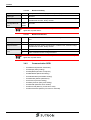
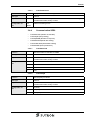
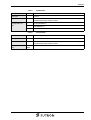
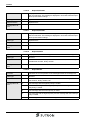
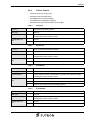
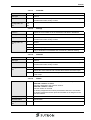
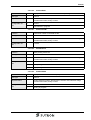
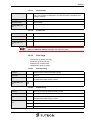
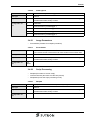
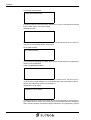
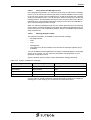
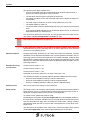
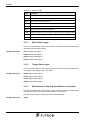
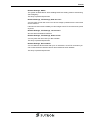
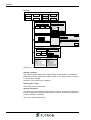
General parameters:
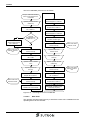
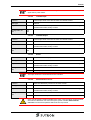
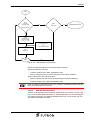
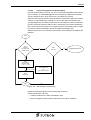
You can enter a message number to display a message directly (direct representation). The message number also indicates its priority. The lowest message number has the highest priority and the highest message number has the lowest priority.
All messages that have a higher priority than the message number specified here are
handled using a special procedure in the operating device when they appear. These
messages are indicated by the status LED flashing in the direct selection key of the
message screen or are signaled by a terminal message.
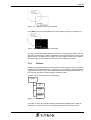
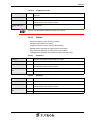
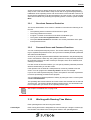
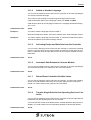
Using the Size of message buffer, you define how many messages can be stored
in the operating device. Specify the maximum number of messages to be managed
by the operating device.
2-47