1
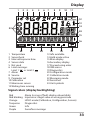
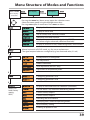
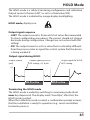
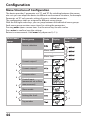
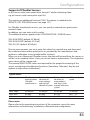
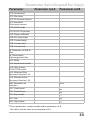
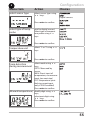
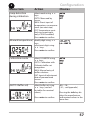
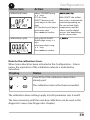
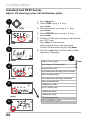
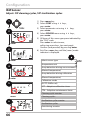
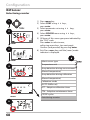
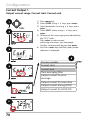
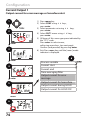
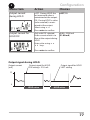
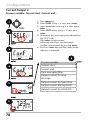
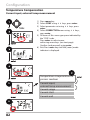
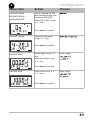
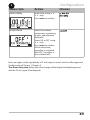
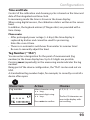
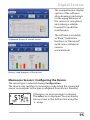
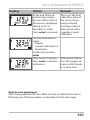
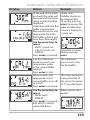
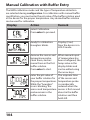
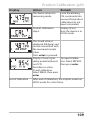
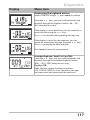
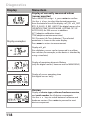
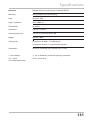
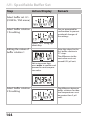
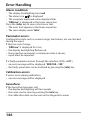
Service Menu item Remark Displaying currently measured values (sensor monitor) with HOLD mode activated: Select MONITOR using, press enter to confirm. Select variable in the bottom text line using. Display example: The selected parameter is shown in the main display. As the device is in HOLD mode, you can perform validations using simulators without influencing the signal outputs. Press meas to return to the service menu. Return to measurement: Press meas once more. Resetting the adaptive maintenance timer Here, the interval is reset to its initial value. To do so, select “TTM RESET = YES“ and confirm by pressing enter. Incrementing the autoclaving counter After having completed an autoclaving process, you must increment the autoclaving count. To do so, select “YES” and confirm by pressing enter. The device confirms with “INCREMENT AUTOCLAVE CYCLE“. Specifying current at outputs 1 and 2: Select OUT1 or OUT2 using thekeys, press enter to confirm. Enter a valid current value for the respective output using keys. Press enter to confirm. For checking purposes, the actual output current is shown in the bottom right corner of the display. End by pressing enter or meas. 120