1
4.2.4
4.2.4.1
Control
Remote Power / Reset
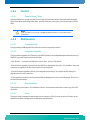
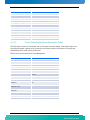
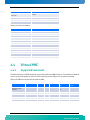
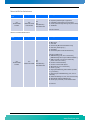
This page displays the current Hot-Swap state, Power state and power level of the board and its managed
FRUs. It also allows performing power down, graceful shutdown, power cycle, power up and reset of all the
FRUs.
Note:
Power up of FRU0 is not supported, as the Web Management Interface is not accessible when it is
powered down.
4.2.5
4.2.5.1
Maintenance
Component Info
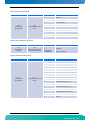
This page displays HPM Upgrade information and current components versions.
4.2.5.2
Component Upgrade
This page allows upgrading the FPGA and/or the IPMI firmware from the Web Management Interface using a
HPM file. To proceed, here are the steps to follow:
- Click “Browse…” and select the HPM file to upload. Then, click on “File Upload”.
- When the file is uploaded, information on the HPM file is displayed. At this point, it is possible to select the
component to upgrade if the file covers more than one component.
- Start the firmware upgrade by clicking “Start Upgrade Component(s)”. A progress bar will display the
upgrade status for each component.
- If the upgrade is successful, the “Activate and Reboot Management” button will be displayed. Click on it to
activate the new firmware.
4.2.5.3
Documentation
This page links to the product "Quick Reference Sheet". Use the download button to save a copy of the PDF
document.
4.2.5.4
Users
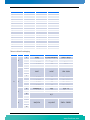
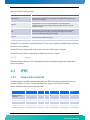
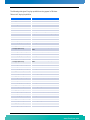
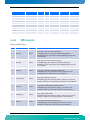
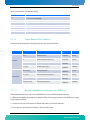
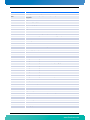
This page is used to manage the authorized users. A maximum of five (5) users can be set. All users can be
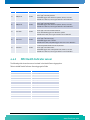
enabled or disabled. Privilege levels are defined in the table below.
30
AT8242
www.kontron.com