1
Troubleshooting
Solving Print-Cartridge Problems
Solving Print-Cartridge Problems
!
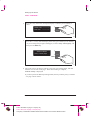
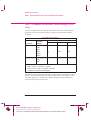
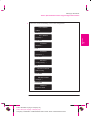
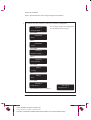
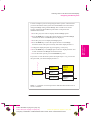
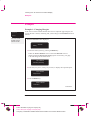
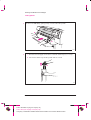
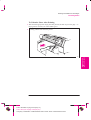
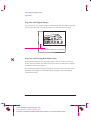
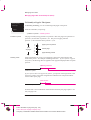
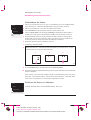
If the Access Cartridges Key Does Not Work
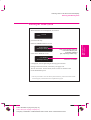
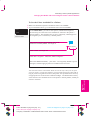
The printer runs the automatic cartridge alignment procedure every time you
load, replace or even reseat a cartridge, whether it is a new cartridge or not. Do
not remove the cartridges unnecessarily.
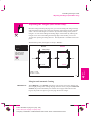
You can stop the alignment by pressing Cancel, but the printer will restart the
alignment procedure the next time you try to switch it on.
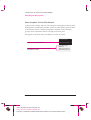
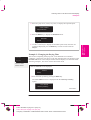
If Brand New Cartridges Have Problems
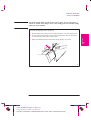
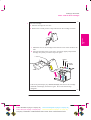
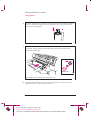
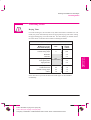
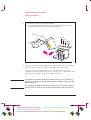
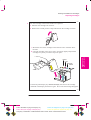
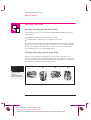
Check the cartridges to be sure you have removed the protective nozzle tape.
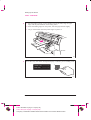
Try reseating cartridges.
Don’t forget that, after you remove or reseat a cartridge, the printer will run its
automatic cartridge alignment procedure – see page 3-26.
For troubleshooting other problems with the print cartridges, see the section
starting on page 9-16.
9-7
This is the black on page 9-7 (seq: 161)
This is the magenta on page 9-7 (seq: 161)
This is the cyan on page 9-7 (seq: 161)
Company confidential. Postillo/755CM User’s Guide Final Freeze Status:Frozen
9
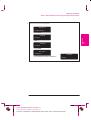
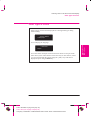
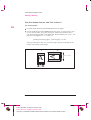
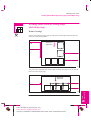
If the Printer Runs the Cartridge-Alignment Routine
Unexpectedly
TROUBLESHOOTING
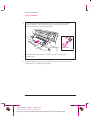
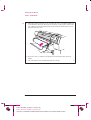
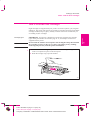
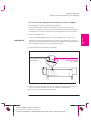
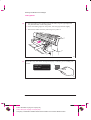
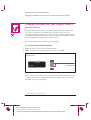
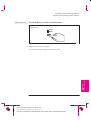
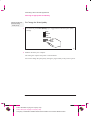
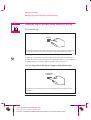
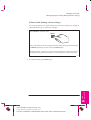
Make sure the window is closed before you press Access Cartridges.