1
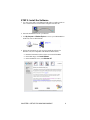
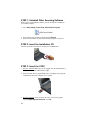
STEP 3: Insert the CFSC
Plug directly
into a
CompactFlash
slot.
OR
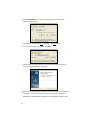
Insert into an
adapter, then plug
the combined unit
into a PC Card slot.
STEP 4: Start SocketScan
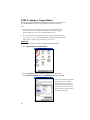
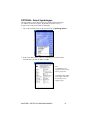
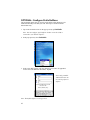
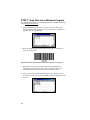
1. Pocket PC: Tap Start | Programs | SocketScan.
HPC: Tap on the SocketScan icon on your desktop.
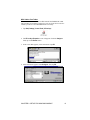
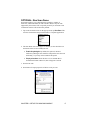
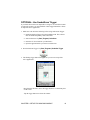
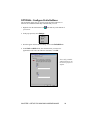
2. Whenever SocketScan is running, either of two icons may appear in the
menu bar (visible from the Today screen for Pocket PCs).
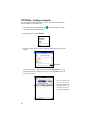
Make sure the “CF Scan Card detected” icon appears.
Icon
Meaning.
CF Scan Card detected.
SocketScan detects the scanner
and is ready to scan.
No scanner detected. The
scanner is either missing or
improperly inserted.
CHAPTER 2: SETUP FOR WINDOWS MOBILE
11