1
56
Design Labels
Design an RFID Smart Label
Create RFID Encoding Label
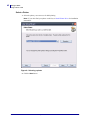
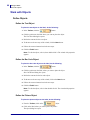
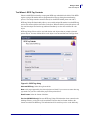
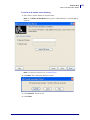
1. In the Standard toolbar, click the
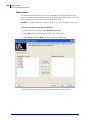
button. The Label Setup Wizard will start.
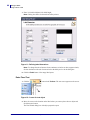
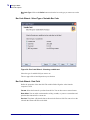
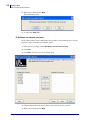
2. Select the printer that supports RFID smart label printing.
3. Click the Finish button.
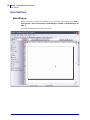
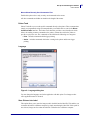
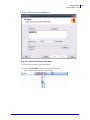
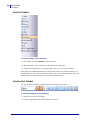
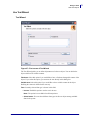
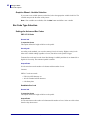
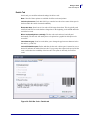
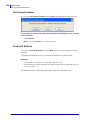
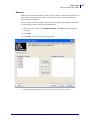
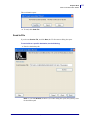
You will see that RFID tag’ command is enabled in the Toolbox on the left side of the
label design environment.
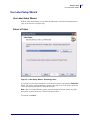
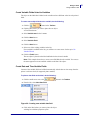
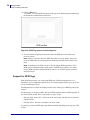
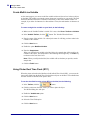
Figure 23 • RFID tag is available for use
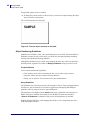
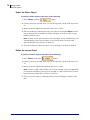
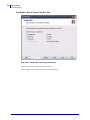
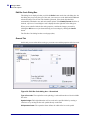
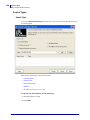
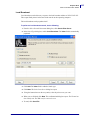
4. Click RFID Tag in the Toolbox and define the data you want to encode into the RFID tag.
13991L-002
ZebraDesigner™ for XML User Guide
10/08/2009