1
CHAPTER
25
Logs Screens
This chapter contains information about configuring general log settings and viewing the
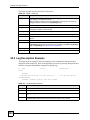
ZyWALL’s logs. Refer to Section 25.5 on page 430 for example log message explanations.
25.1 Configuring View Log
The web configurator allows you to look at all of the ZyWALL’s logs in one location.
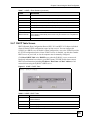
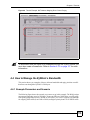
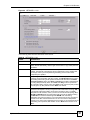
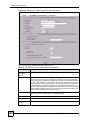
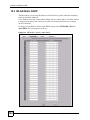
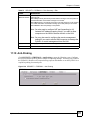
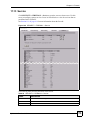
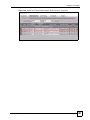
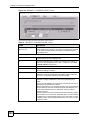
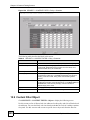
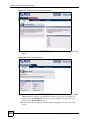
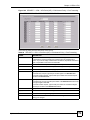
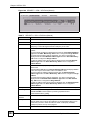
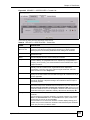
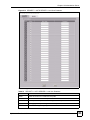
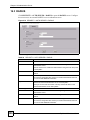
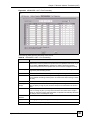
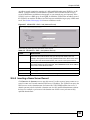
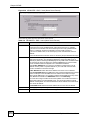
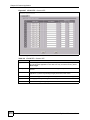
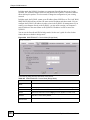
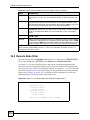
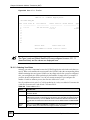
Click LOGS to open the View Log screen. Use the View Log screen to see the logs for the
categories that you selected in the Log Settings screen (see Section 25.3 on page 422).
Options include logs about system maintenance, system errors, access control, allowed or
blocked web sites, blocked web features (such as ActiveX controls, java and cookies), attacks
(such as DoS) and IPSec.
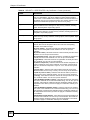
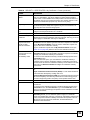
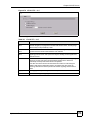
Log entries in red indicate system error logs. The log wraps around and deletes the old entries
after it fills. Click a column heading to sort the entries. A triangle indicates ascending or
descending sort order.
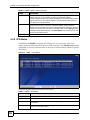
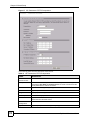
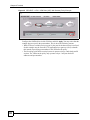
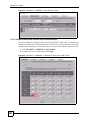
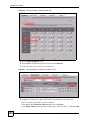
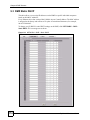
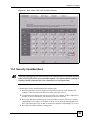
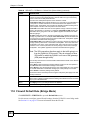
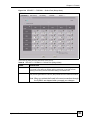
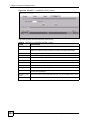
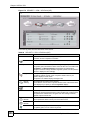
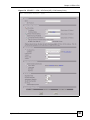
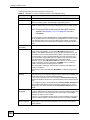
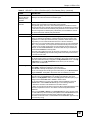
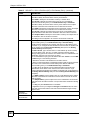
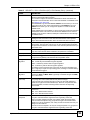
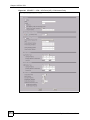
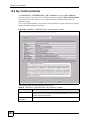
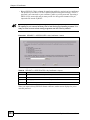
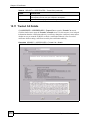
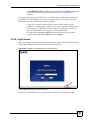
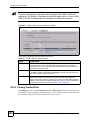
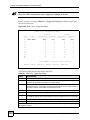
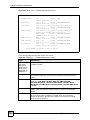
Figure 271 LOGS > View Log
ZyWALL 2 Plus User’s Guide
419