1
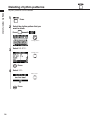
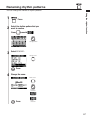
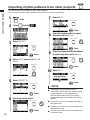
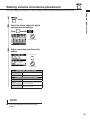
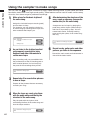
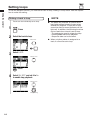
Editing patches
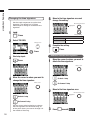
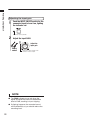
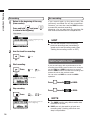
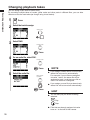
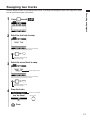
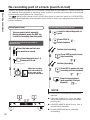
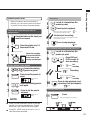
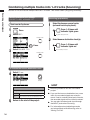
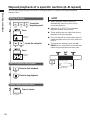
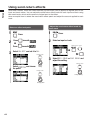
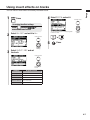
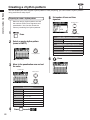
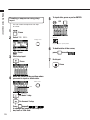
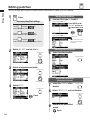
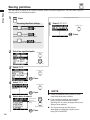
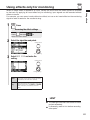
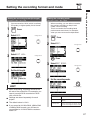
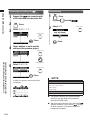
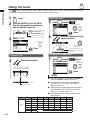
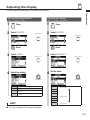
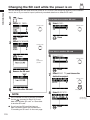
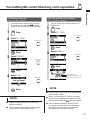
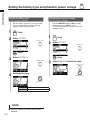
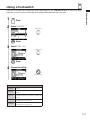
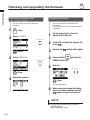
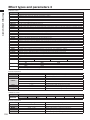
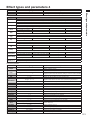
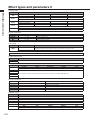
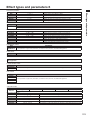
You can change effect types and adjust effect parameters to create your own patches.
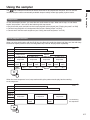
Using effects
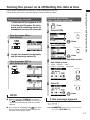
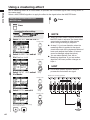
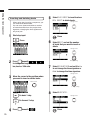
1
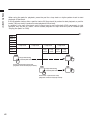
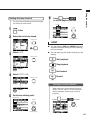
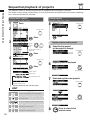
Editing effect modules
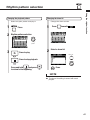
Press
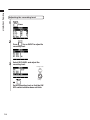
Accessing the effect settings
Press
beneath
select an insert effect.
5
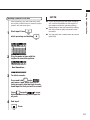
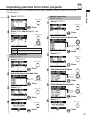
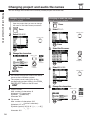
Turn the effect type On to edit it.
Effect module (TYPE) Off
to
Press
beneath
to
select a reverb send-return effect.
Effect module (TYPE) on
Press
beneath
to
select a chorus/delay send-return effect.
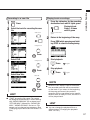
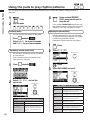
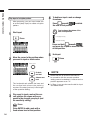
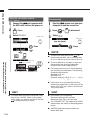
2
Effect type
E: Edit mark shown when
a patch has been edited
or changed
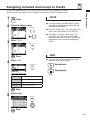
Select ON/OFF and set it to On.
Change menu
Press ENTER or the
ON/OFF soft key to
turn the module on or
off.
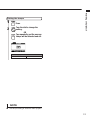
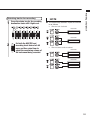
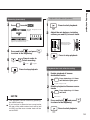
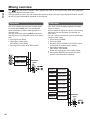
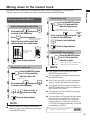
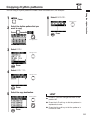
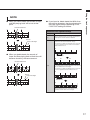
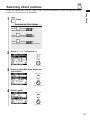
Selecting effect modules
6
Select the effect module.
Change module
Change setting
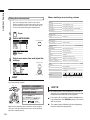
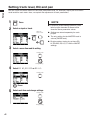
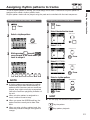
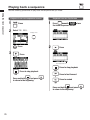
3
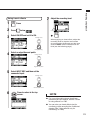
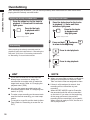
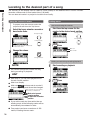
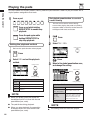
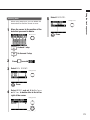
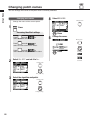
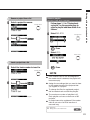
Select an algorithm and patch.
Change menu
Adjust the patch level
(final patch volume)
Change setting
4
Select EDIT.
Change menu
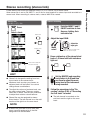
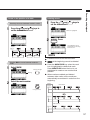
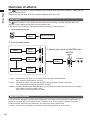
7
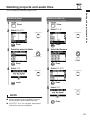
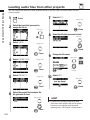
Select the TOTAL effect
module.
8
Select PATCH LVL and set the value.
9
Return to the main effect
screen.
Change module
Change menu
Press
Press
84
Change value