1
Yamaha Professional Audio
M7CL StageMix V4.5 User Guide
4.0 Mixer Window
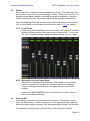
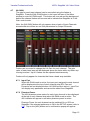
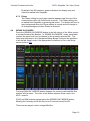
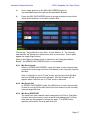
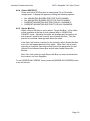
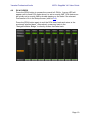
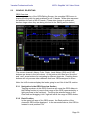
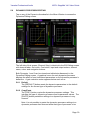
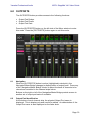
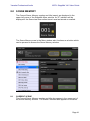
The main page of the StageMix is called the “Mixer” window. It shows the EQ
curves, Pan positions, Dynamics status, CUE and ON buttons, faders, level
meters, and channel names and colors for eight adjacent channels.
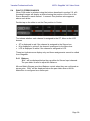
Across the top of the screen, level meters and faders are displayed in blocks
of channels for mono Input Channels 1-48, Stereo Input Channels 1-4, Mix
and Matrix busses, and the Master Stereo and Mono busses. This is the
“Navigation/Meter Bridge”.
4.1
Channel Bank Navigation
Press any of the “Navigation/Meter Bridge” blocks to select the bank of
channels to be viewed and controlled in the channel strips below.
4.2
Channel Names and Colors
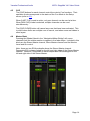
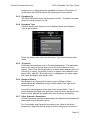
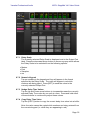
The name of each channel appears in StageMix as it does in the M7CL
console. The names are dimmed if the channel is switched off. A bar above
each channel name displays the color based on the channel type.
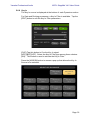
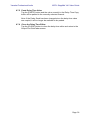
Double-tap on the channel name in the Mixer window to edit the name (colors
cannot be edited). Type in a name and press [return]. Alternatively, navigate
to another channel using the left/right cursor buttons above the keyboard.
This allows multiple channels to be named before closing the keyboard.
Page 12