1
136
Chapter 7– Color Workflow
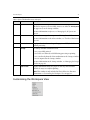
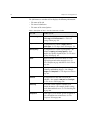
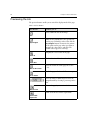
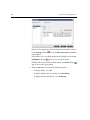
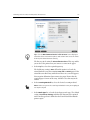
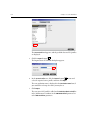
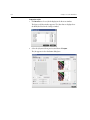
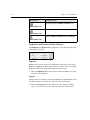
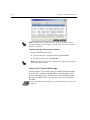
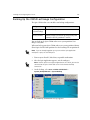
This button:
Enables you to:
Toggle between the Before and After views
Before/After view
View the Before and After views in portrait
Before/After view
View the Before and After views in landscape
Before/After view
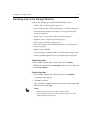
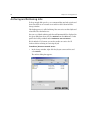
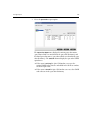
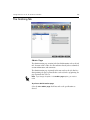
Brightness and Contrast Slider Controls
The Brightness and Contrast slider controls are active only when all of the
separations are selected.
Brightness
Brightness increases or decreases the luminance of the image. Increasing
brightness brightens the image and results in a concave curve. Decreasing
brightness darkens the image and results in a convex curve.
¾ Move the Brightness slider to the right to increase brightness or to the
left to decrease brightness.
Contrast
Contrast increases the image contrast by making the highlights lighter and
the shadows darker. It can also be used to decreases the contrast.
¾ Move the Contrast slider to the right to increase contrast (S shaped
curve), or to the left to decrease contrast (inverted S shaped curve).